



<svg width="100%" height="100%" viewBox="0 0 20 20" fill="none" xmlns="http://www.w3.org/2000/svg">
<path d="M16.6592 1.66833C16.4381 1.66833 16.2262 1.75613 16.0699 1.91241C15.9136 2.06869 15.8258 2.28065 15.8258 2.50167V3.0325C15.1228 3.90371 14.2345 4.60728 13.2254 5.09206C12.2164 5.57684 11.112 5.83064 9.99249 5.835H4.99249C4.32965 5.83566 3.69415 6.09927 3.22546 6.56797C2.75676 7.03666 2.49315 7.67216 2.49249 8.335V10.0017C2.49315 10.6645 2.75676 11.3 3.22546 11.7687C3.69415 12.2374 4.32965 12.501 4.99249 12.5017H5.39583L3.39333 17.1733C3.33897 17.3001 3.31694 17.4385 3.32923 17.5759C3.34152 17.7133 3.38774 17.8455 3.46373 17.9607C3.53973 18.0758 3.64313 18.1703 3.76466 18.2357C3.88618 18.301 4.02202 18.3351 4.15999 18.335H7.49333C7.65624 18.3348 7.81553 18.2869 7.9515 18.1971C8.08746 18.1074 8.19414 17.9797 8.25833 17.83L10.5283 12.5333C11.5538 12.6088 12.5529 12.8935 13.4641 13.3701C14.3752 13.8467 15.179 14.5049 15.8258 15.3042V15.835C15.8258 16.056 15.9136 16.268 16.0699 16.4243C16.2262 16.5805 16.4381 16.6683 16.6592 16.6683C16.8802 16.6683 17.0921 16.5805 17.2484 16.4243C17.4047 16.268 17.4925 16.056 17.4925 15.835V2.50167C17.4925 2.28065 17.4047 2.06869 17.2484 1.91241C17.0921 1.75613 16.8802 1.66833 16.6592 1.66833ZM4.99249 10.835C4.77148 10.835 4.55952 10.7472 4.40324 10.5909C4.24696 10.4346 4.15916 10.2227 4.15916 10.0017V8.335C4.15916 8.11399 4.24696 7.90203 4.40324 7.74575C4.55952 7.58947 4.77148 7.50167 4.99249 7.50167H5.82583V10.835H4.99249ZM6.94333 16.6683H5.42333L7.20833 12.5017H8.72916L6.94333 16.6683ZM15.8267 12.9367C14.1836 11.5829 12.1223 10.8402 9.99333 10.835H7.49333V7.50167H9.99333C12.1223 7.4965 14.1836 6.75382 15.8267 5.4V12.9367Z" fill="#ffffff"/>
</svg>
Turn your email signatures into a communication channel








%201.png)
You send thousands of emails every month. Capitalize on them.
Create email signatures that reflect your brand, customize them freely, and deploy them instantly to your teams.
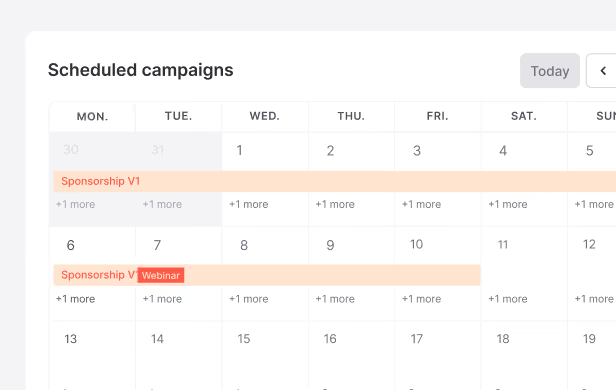
Create and manage your campaigns
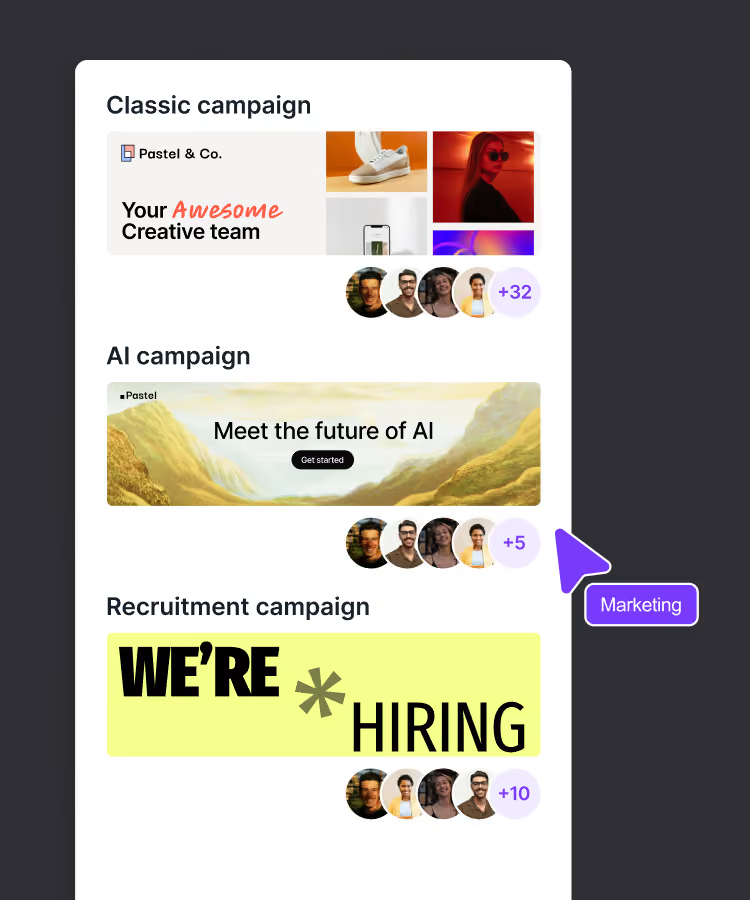
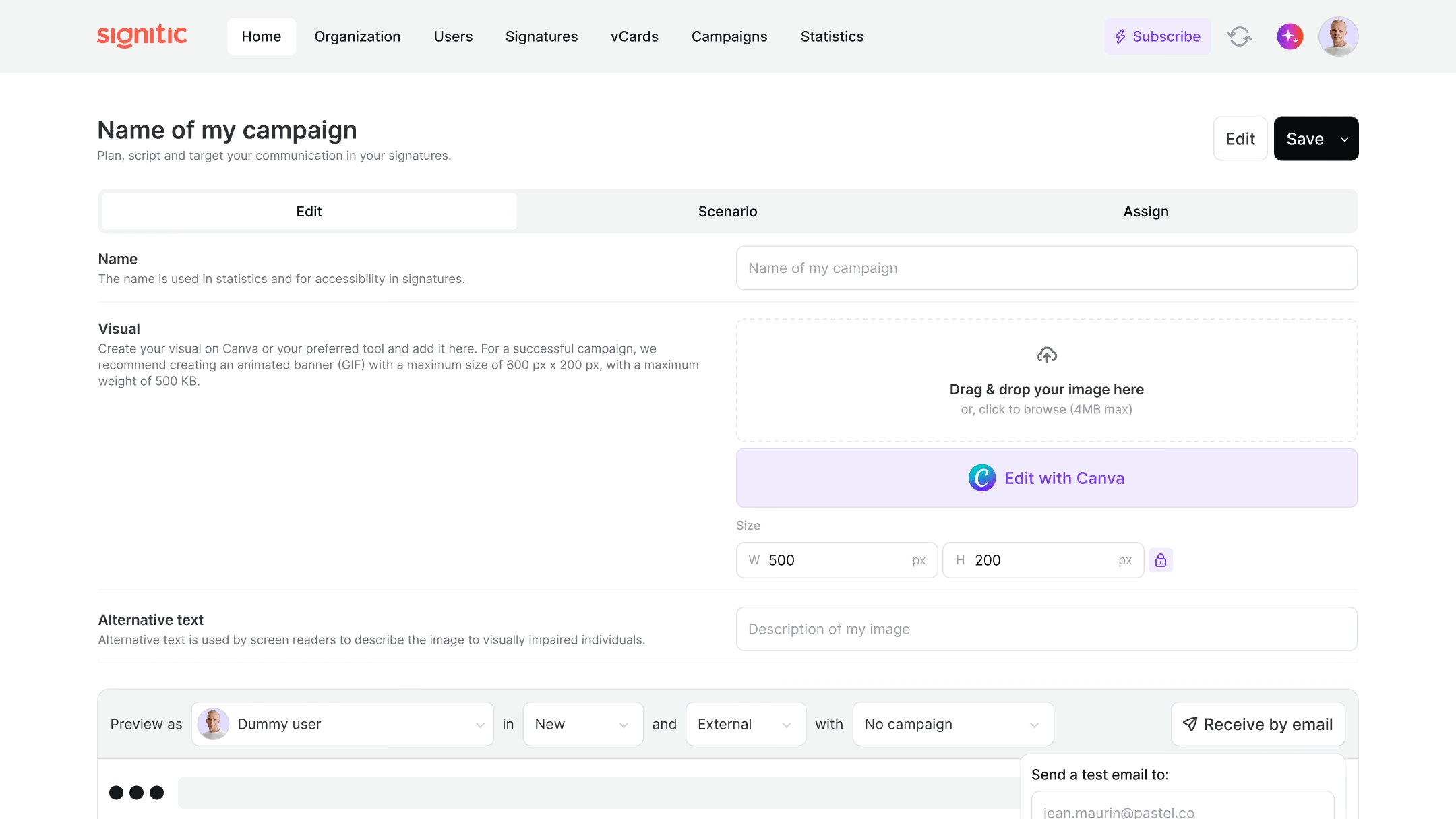
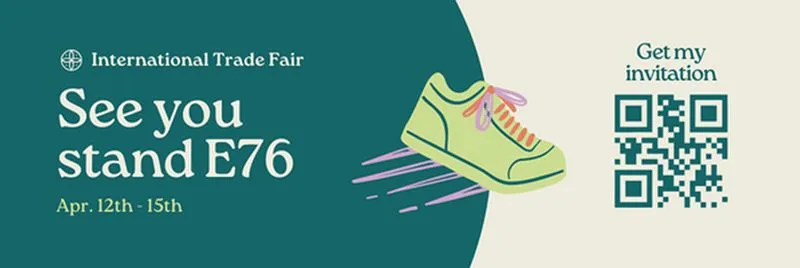
Create your banners
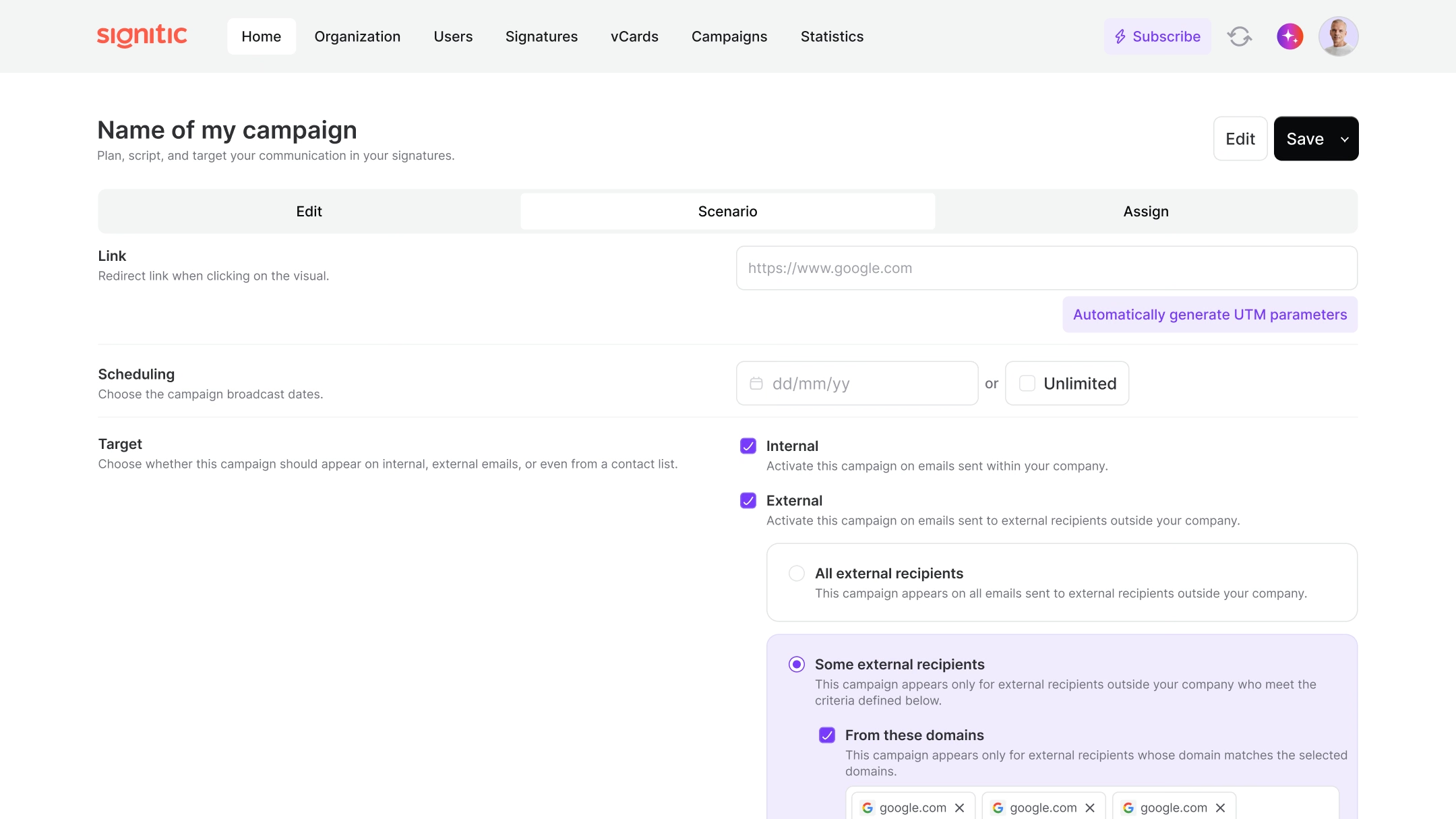
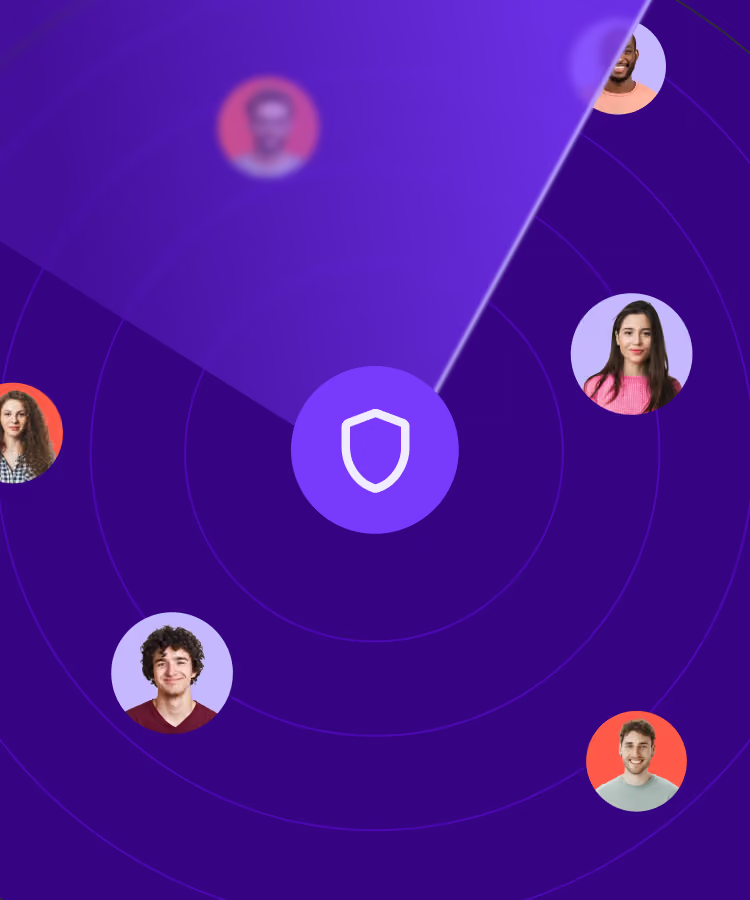
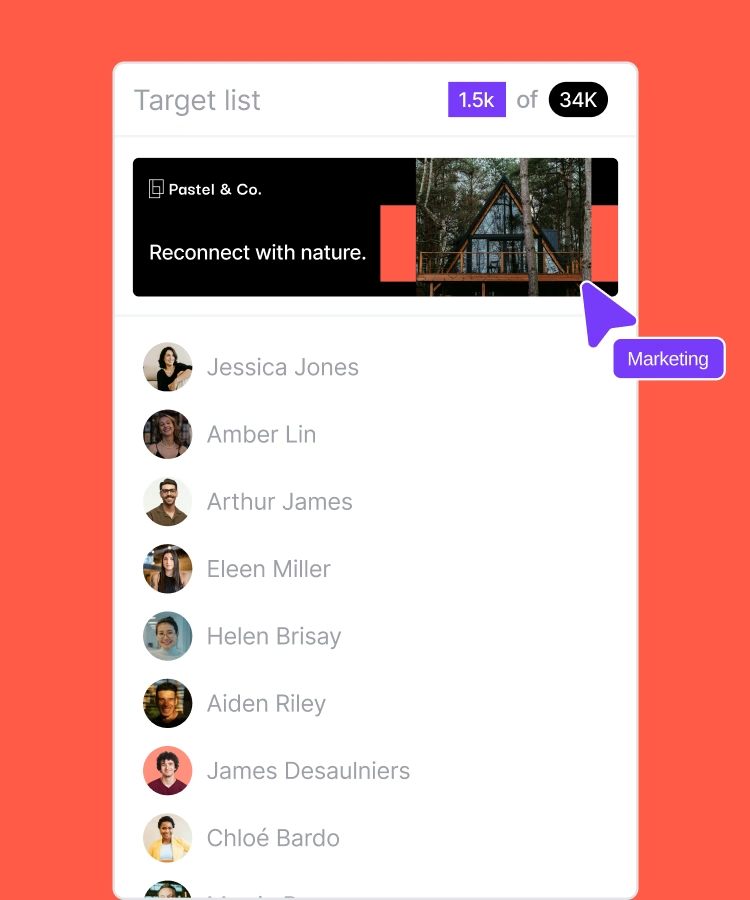
Target your recipients
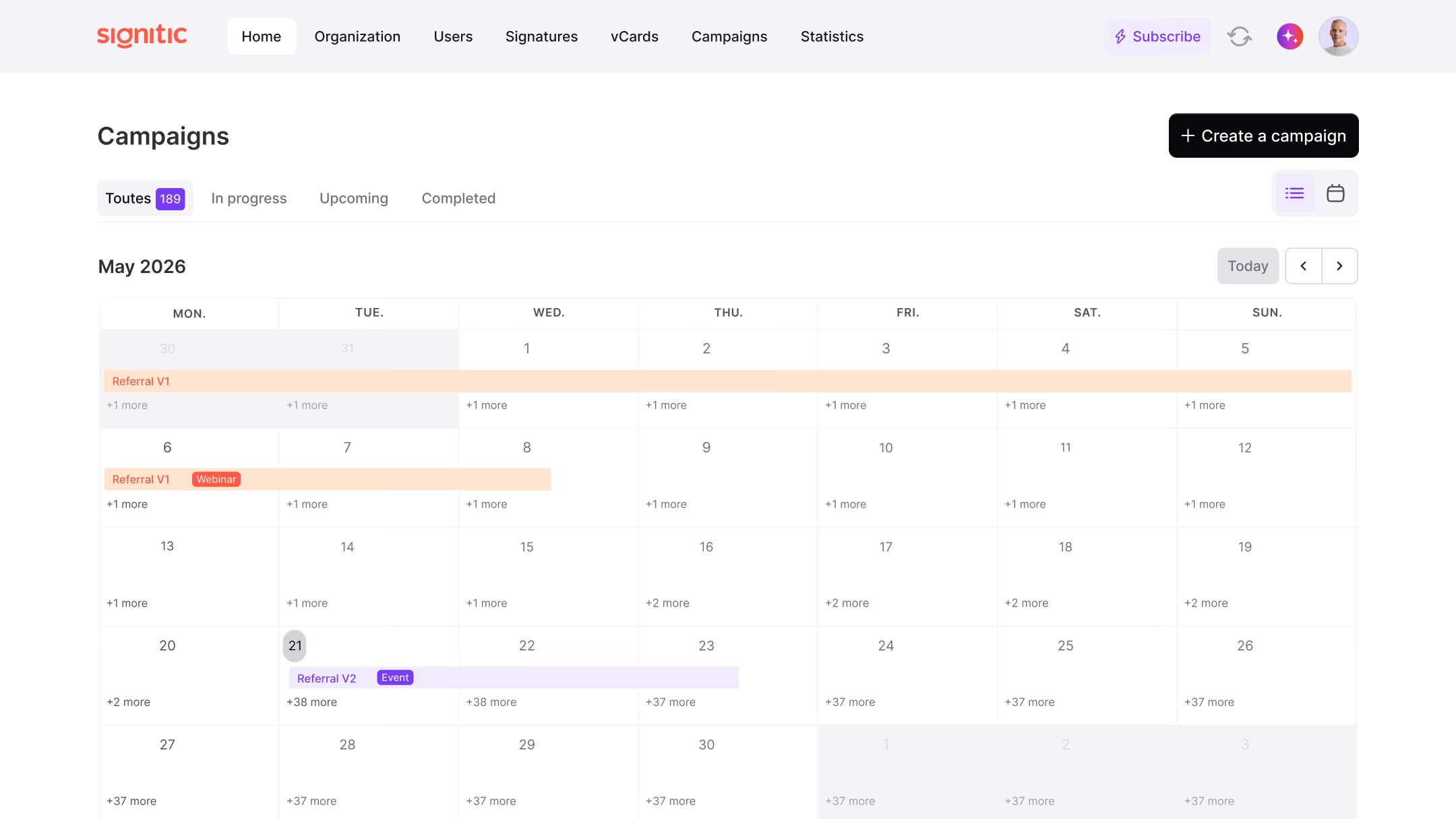
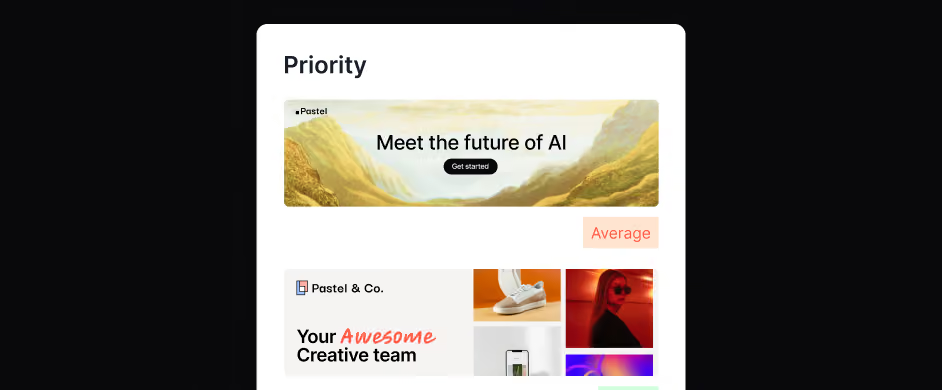
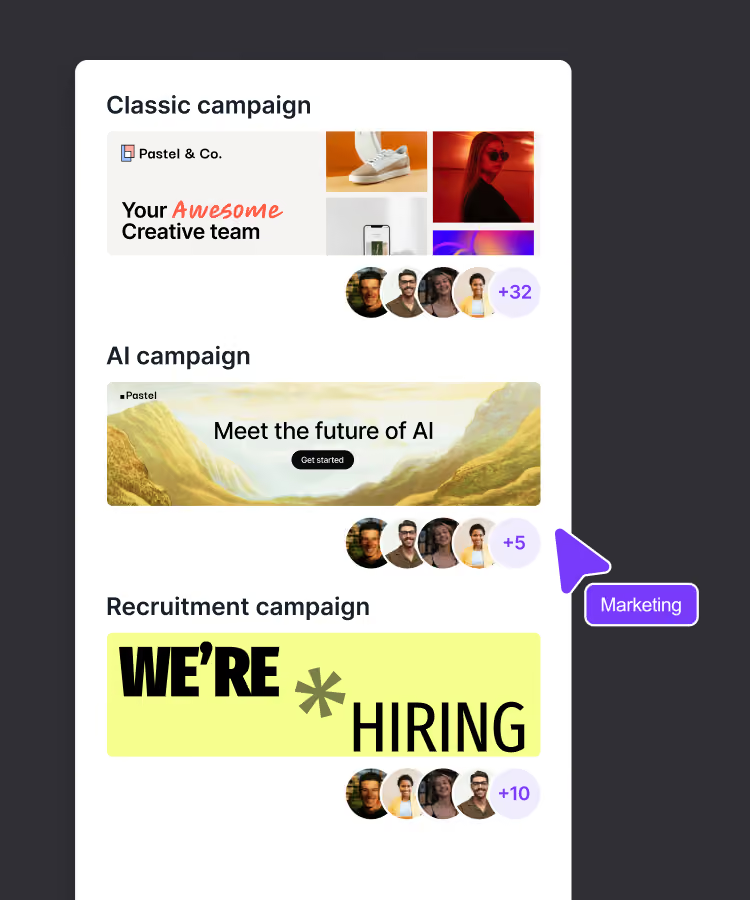
Prioritize your campaigns
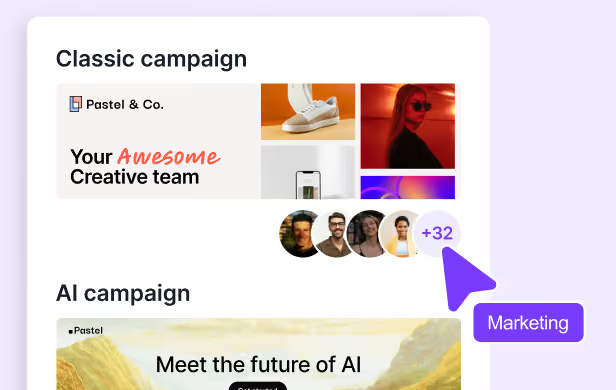
Assign to the right people













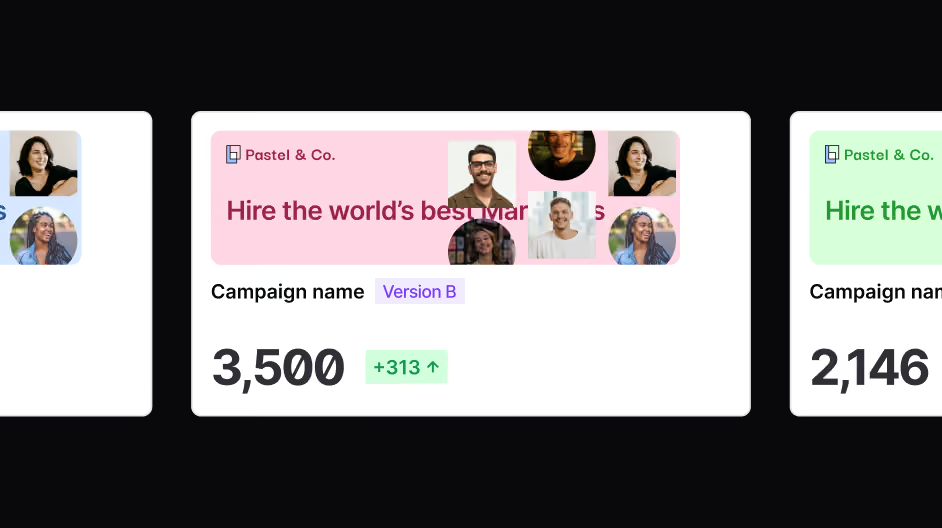
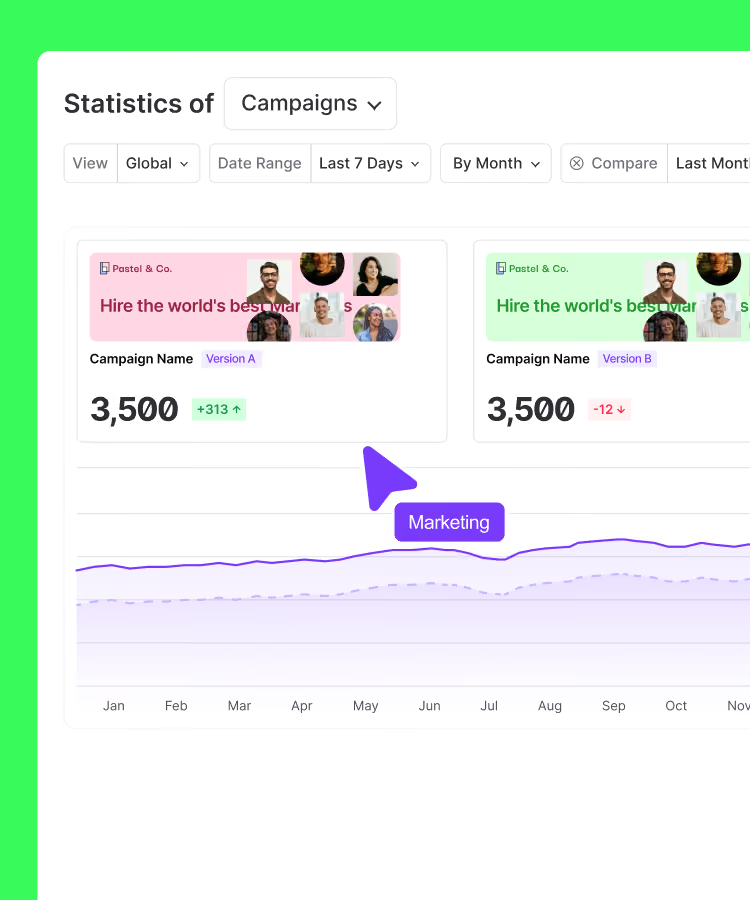
AB testing
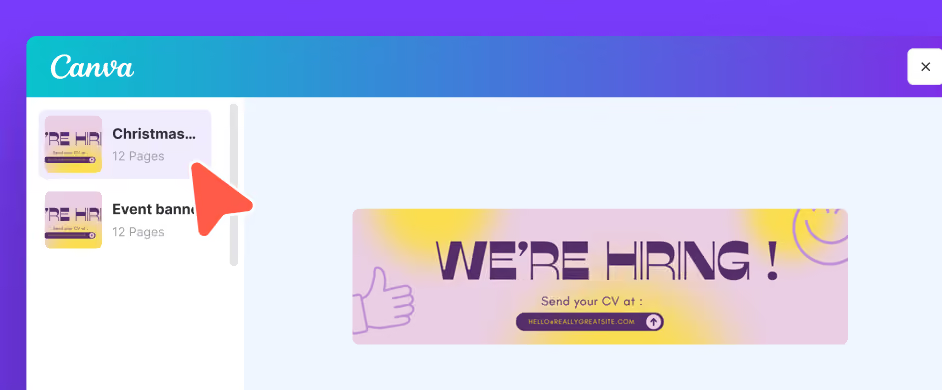
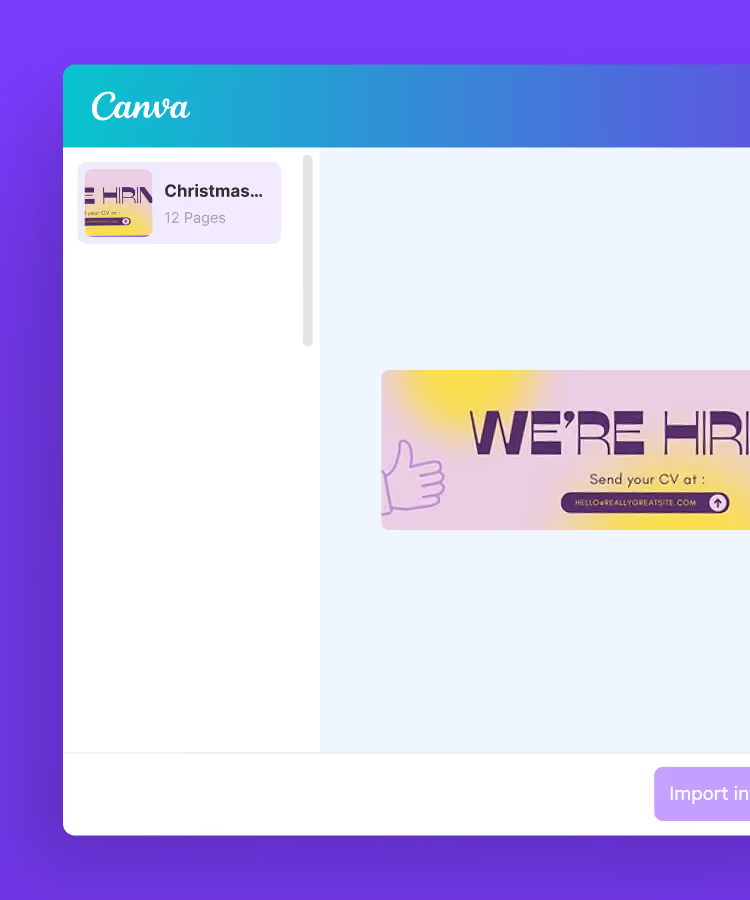
Native Canva integration
Share your news, and much more!
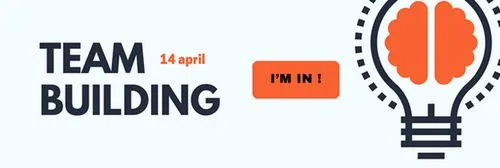
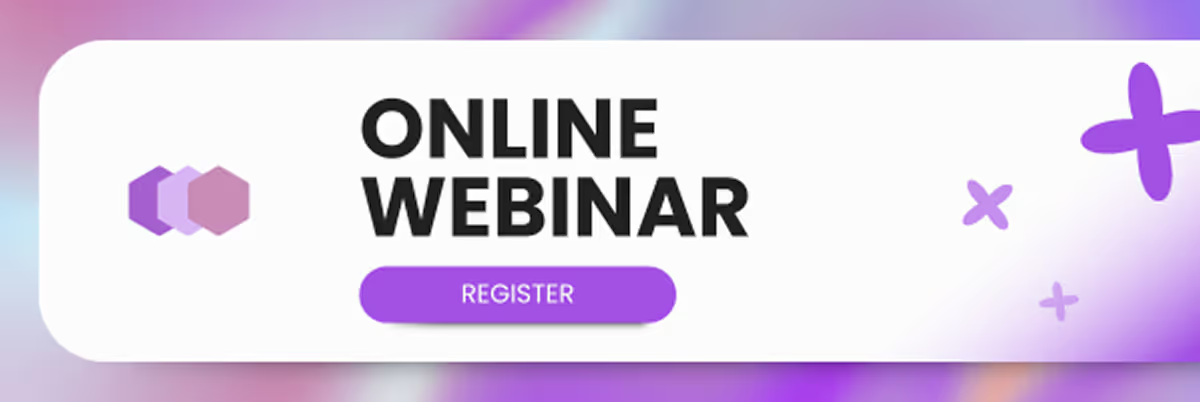
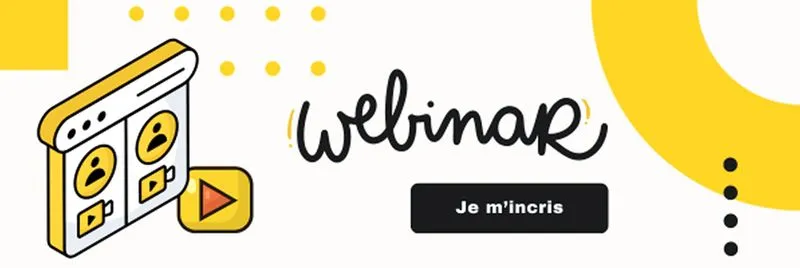
Webinar
Invite your contacts to easily register for your webinars directly from your email signatures.
White Paper
Share your white papers to showcase your expertise and generate qualified leads.
Internal Event
Share key information about your internal events with your teams.
Recruitment
Highlight your job offers and attract new talent through every email.
Appointment Booking
Make it easy to book appointments by integrating a direct link to your online calendar.
New Product
Announce your product launches and create curiosity as soon as the email is opened.
Holiday Season
Wish your contacts happy holidays while strengthening your brand image.
Summer Holidays
Announce your closing dates or adapt your messages for the summer season.
Key Dates and Events
Remind them of important upcoming dates not to be missed: trade shows, deadlines, launches...
Customer Review Collection
Encourage your customers to share their experience via a link to a survey or a review platform.
Reassurance
Reassure your prospects by highlighting your certifications, customer reviews, or service guarantees.
HR News
Inform your employees about your internal news: new policies, benefits, team events.
Ils ont fait de leur signature email un outil marketing
signatures email bien plus qu'une carte de visite.




Do you have a question? We'll answer it.
Can I plan banner campaigns with Signitic?
Yes, Signitic includes a planning system that allows you to define start and end dates for each campaign. This means that your banners automatically appear at the right time (during a promotional period, trade show or registration opening, etc.) and disappear on the scheduled date, without any manual intervention. This is especially useful for seasonal campaigns or communications related to recurring events.
How to target the right recipients with an email signature campaign?
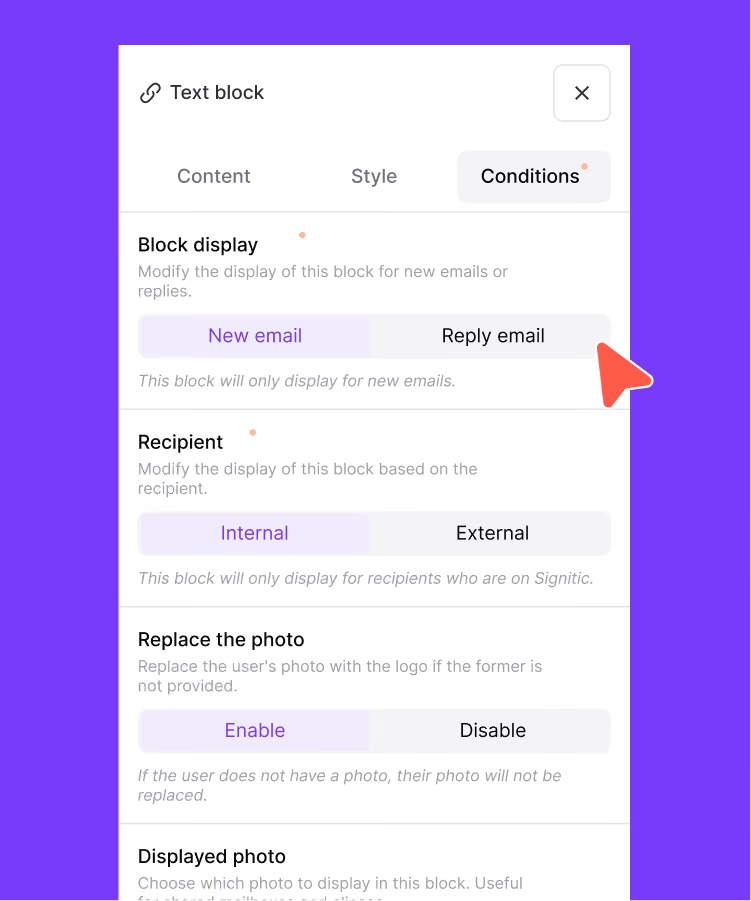
Signitic offers several levels of targeting to adapt each campaign to its audience. It is possible to target by type of recipient (internal or external), by recipient domain name, by HubSpot segments, or by group of sending collaborators (team, department, subsidiary). This makes it possible, for example, to display a recruitment campaign only in emails sent by HR, or to broadcast a commercial offer exclusively to external contacts belonging to a given sector.
Is Signitic compatible with HubSpot for campaign management?
Yes, Signitic offers an integration with HubSpot that enhances campaign targeting capabilities. In particular, it is possible to target recipients based on HubSpot segments, which makes it possible to align email signature campaigns with the existing CRM strategy. Note, however, that if you disconnect from Signitic, the signature will remain present in HubSpot but will no longer be updated automatically in the event of a change of banner or campaign.
What types of content can you broadcast via an email signature campaign?
The use cases are very varied. Signitic allows you to broadcast campaigns to promote a webinar, share a white paper, share a white paper, announce a new product, highlight commercial offers, facilitate appointments, collect customer reviews, communicate on internal events, communicate on internal events, wish for the end of year holidays or summer vacation, and remind you of important dates or deadlines. In summary, any message that you want to send to your contacts regularly can be transformed into an email signature campaign.
What happens when multiple campaigns are active at the same time?
Signitic manages display conflicts through a three-level priority system: high, medium, and low. When multiple campaigns are simultaneously active for the same collaborator or group, the campaign with the highest priority is displayed first. This ensures that your most important messages, such as a product launch or an urgent commercial operation, are always visible, even during times of high marketing activity.
What is an email signature campaign and what is it for?
An email signature campaign consists in integrating a clickable visual banner into the email signatures of employees to broadcast a marketing or institutional message. Concretely, each email sent by your teams becomes a point of contact with your customers and prospects: an invitation to a webinar, a promotion, a product launch or even a collection of opinions. With Signitic, these campaigns are managed centrally and can be scheduled, targeted, and measured, without any action required from employees.
Do employees need to do anything to get campaigns to show up in their emails?
No, no action is required on the part of employees. Signitic fully manages the deployment of campaigns in a centralized and automatic manner. As soon as a campaign is activated by the administrator, the banner automatically appears in the signatures of the employees concerned, at the scheduled dates and times. Teams don't need to change their signature, install anything, or even be notified of the change to get the campaign up and running.
How to measure the performance of an email signature campaign?
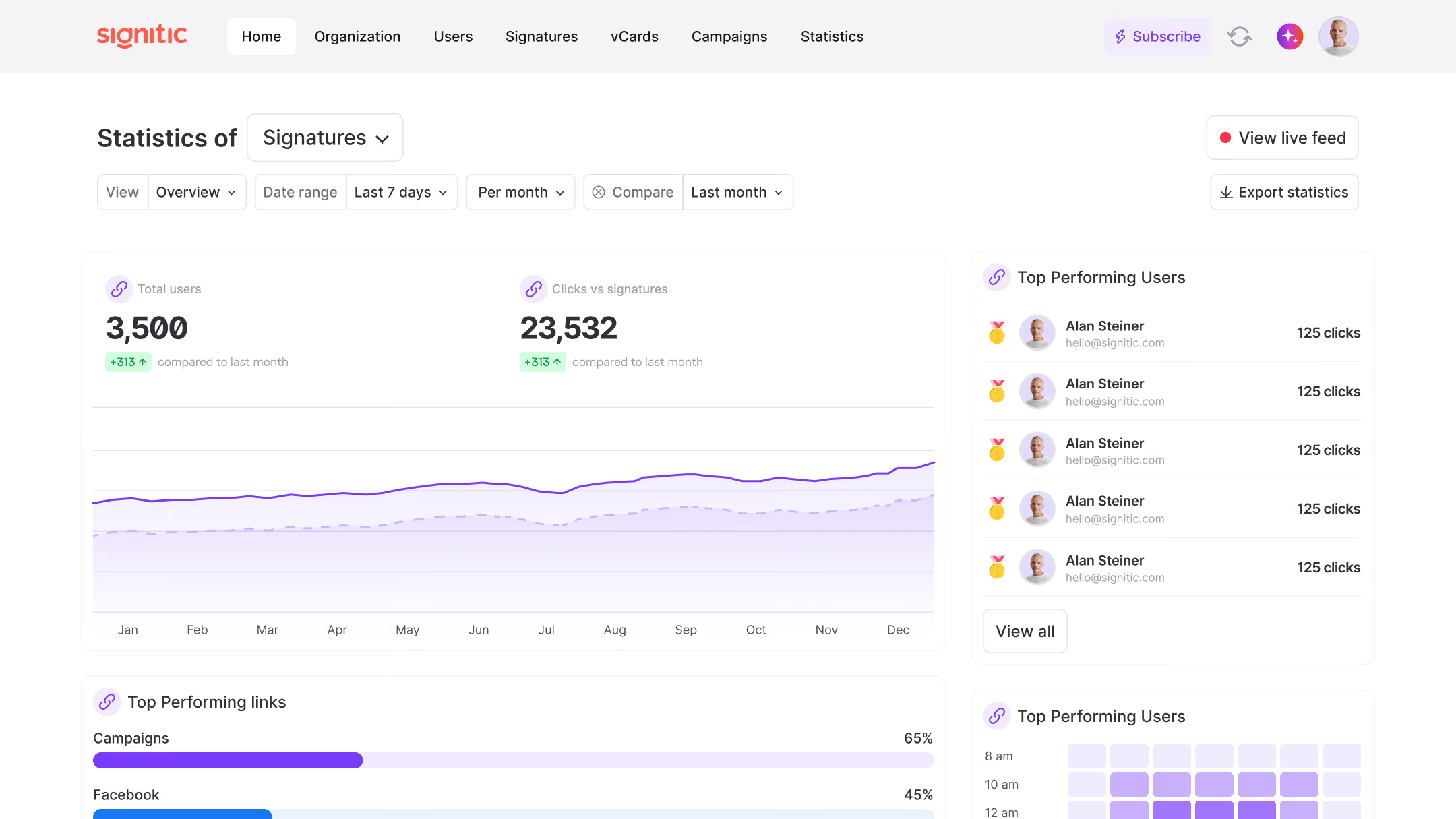
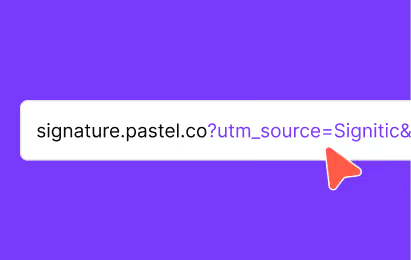
Signitic allows you to track the performance of each campaign. The platform allows you to automatically generate UTM parameters for each campaign, which allows you to track clicks and conversions directly in your analytics tools (Google Analytics) or in the statistics tab of the Signitic platform. You can thus measure the number of impressions, clicks and compare the results between different campaigns, and make decisions based on concrete data to optimize your future communications.
How do I create a banner for an email signature campaign with Signitic?
Signitic offers two approaches to create your visuals. The first is to use the native integration with Canva: you design your banner directly in Canva from ready-to-use templates and then instantly import it into Signitic. The second is to import an already existing visual in image format. In both cases, the banner is then associated with a clickable link and integrated into the chosen signature template, without technical manipulation.
Is it possible to broadcast different campaigns for different teams?
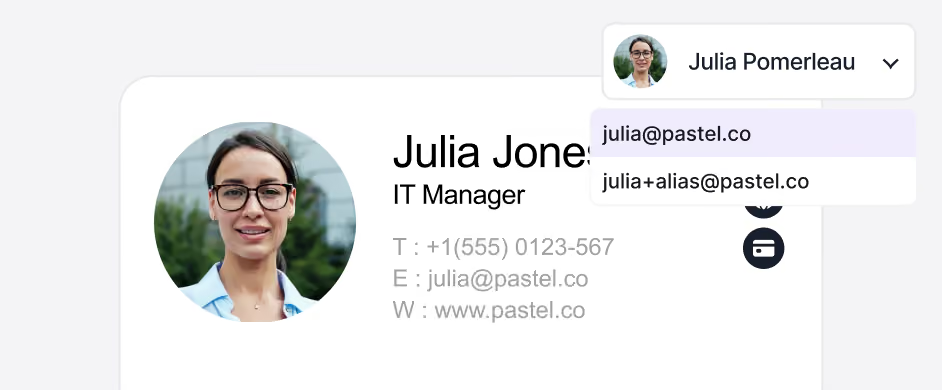
Yes, it's one of the main use cases for the campaign feature. Signitic makes it possible to assign each campaign to specific groups of collaborators: by team, by department, by function or by domain name. Thus, salespeople can display a lead generation banner, HR teams a recruitment announcement, and support teams a reassurance message, all simultaneously and from a single centralized management interface.
Everything you'll love about Signitic
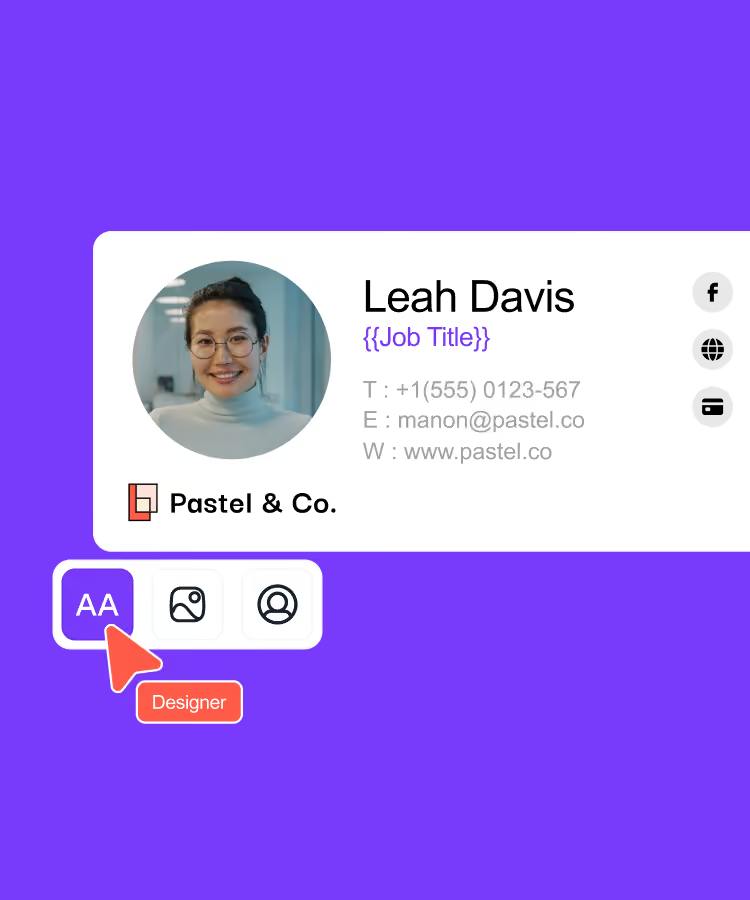
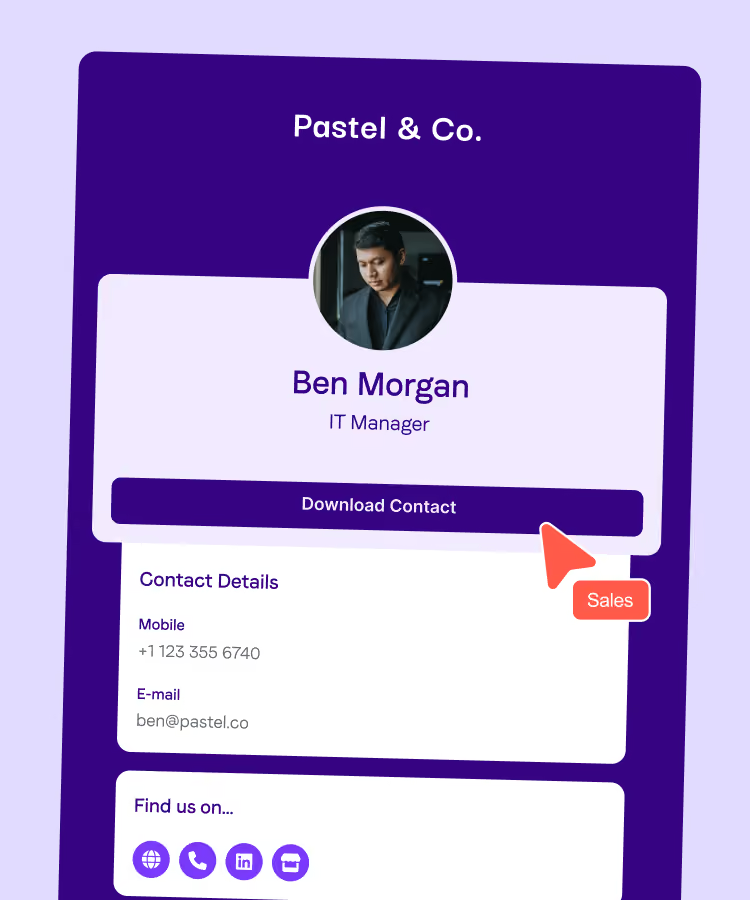
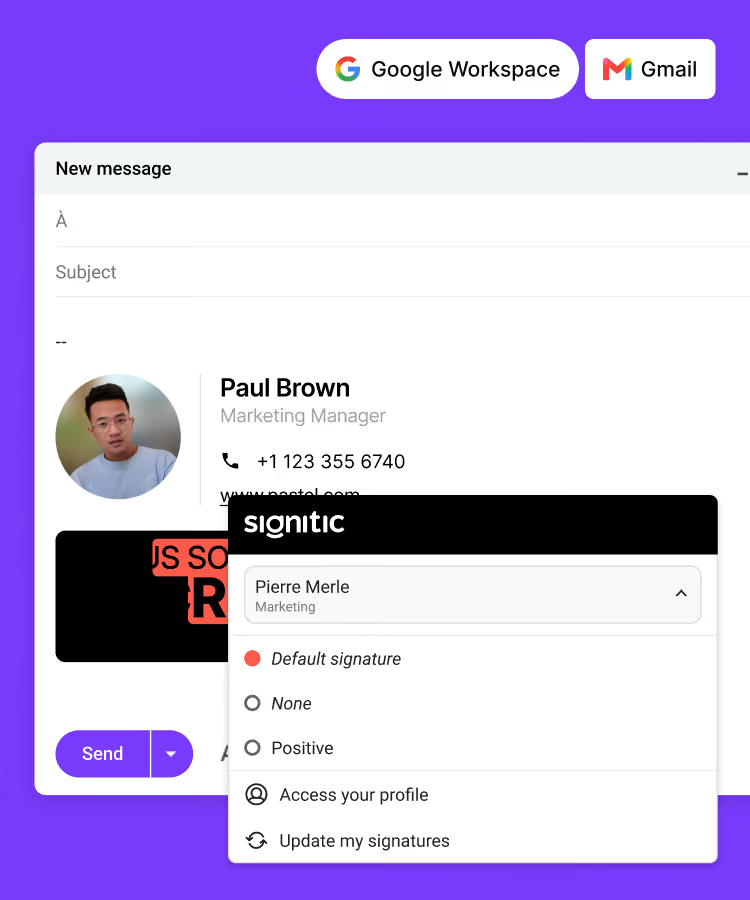
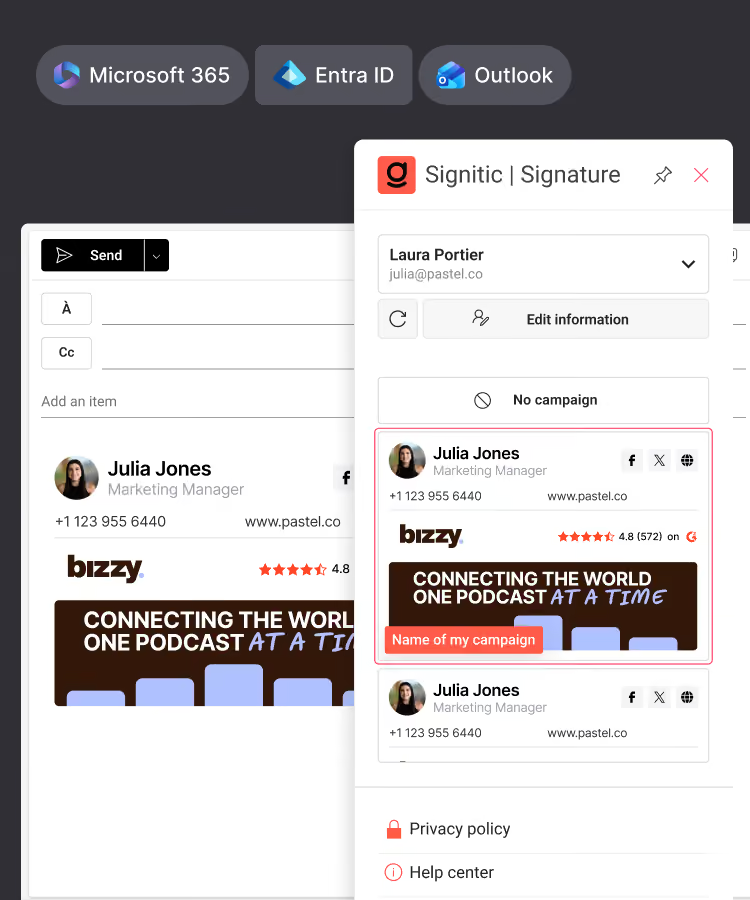
Standardize your team's signatures
Create your digital business cards
Connect Signitic to your Google Workspace directory
Connect Signitic to your Microsoft 365 directory
Assign access rights, protect your brand
Add banners to your signatures
Import your banners from Canva
Test different versions of your banners
Target the right people

69003 Lyon
France



