



<svg width="20" height="20" viewBox="0 0 20 20" fill="none" xmlns="http://www.w3.org/2000/svg">
<path d="M10 10.8333C9.7463 10.8304 9.49777 10.9052 9.28788 11.0478C9.07798 11.1903 8.9168 11.3937 8.82602 11.6307C8.73524 11.8676 8.71923 12.1267 8.78013 12.373C8.84104 12.6193 8.97594 12.841 9.16668 13.0083V14.1667C9.16668 14.3877 9.25447 14.5996 9.41075 14.7559C9.56703 14.9122 9.779 15 10 15C10.221 15 10.433 14.9122 10.5893 14.7559C10.7455 14.5996 10.8333 14.3877 10.8333 14.1667V13.0083C11.0241 12.841 11.159 12.6193 11.2199 12.373C11.2808 12.1267 11.2648 11.8676 11.174 11.6307C11.0832 11.3937 10.922 11.1903 10.7121 11.0478C10.5022 10.9052 10.2537 10.8304 10 10.8333ZM14.1667 7.5V5.83334C14.1667 4.72827 13.7277 3.66846 12.9463 2.88706C12.1649 2.10566 11.1051 1.66667 10 1.66667C8.89494 1.66667 7.83513 2.10566 7.05373 2.88706C6.27233 3.66846 5.83334 4.72827 5.83334 5.83334V7.5C5.1703 7.5 4.53442 7.7634 4.06558 8.23224C3.59674 8.70108 3.33334 9.33696 3.33334 10V15.8333C3.33334 16.4964 3.59674 17.1323 4.06558 17.6011C4.53442 18.0699 5.1703 18.3333 5.83334 18.3333H14.1667C14.8297 18.3333 15.4656 18.0699 15.9344 17.6011C16.4033 17.1323 16.6667 16.4964 16.6667 15.8333V10C16.6667 9.33696 16.4033 8.70108 15.9344 8.23224C15.4656 7.7634 14.8297 7.5 14.1667 7.5ZM7.50001 5.83334C7.50001 5.1703 7.7634 4.53441 8.23224 4.06557C8.70108 3.59673 9.33697 3.33334 10 3.33334C10.6631 3.33334 11.2989 3.59673 11.7678 4.06557C12.2366 4.53441 12.5 5.1703 12.5 5.83334V7.5H7.50001V5.83334ZM15 15.8333C15 16.0544 14.9122 16.2663 14.7559 16.4226C14.5997 16.5789 14.3877 16.6667 14.1667 16.6667H5.83334C5.61233 16.6667 5.40037 16.5789 5.24409 16.4226C5.08781 16.2663 5.00001 16.0544 5.00001 15.8333V10C5.00001 9.77899 5.08781 9.56703 5.24409 9.41075C5.40037 9.25447 5.61233 9.16667 5.83334 9.16667H14.1667C14.3877 9.16667 14.5997 9.25447 14.7559 9.41075C14.9122 9.56703 15 9.77899 15 10V15.8333Z" fill="#ffffff"/>
</svg>
Security by Design











Signitic is built to meet for security and privacy.
Every feature, data flow, and integration is designed to minimize risks and ensure compliance.
ISO/IEC 27001 — The International Standard
GDPR & European Hosting
Certified Google Partner Integration
Certified Microsoft Partner Integration
An actively tested infrastructure
Everything your CISO needs
Your data. Exactly as you decide.
Automatic synchronization with your directory
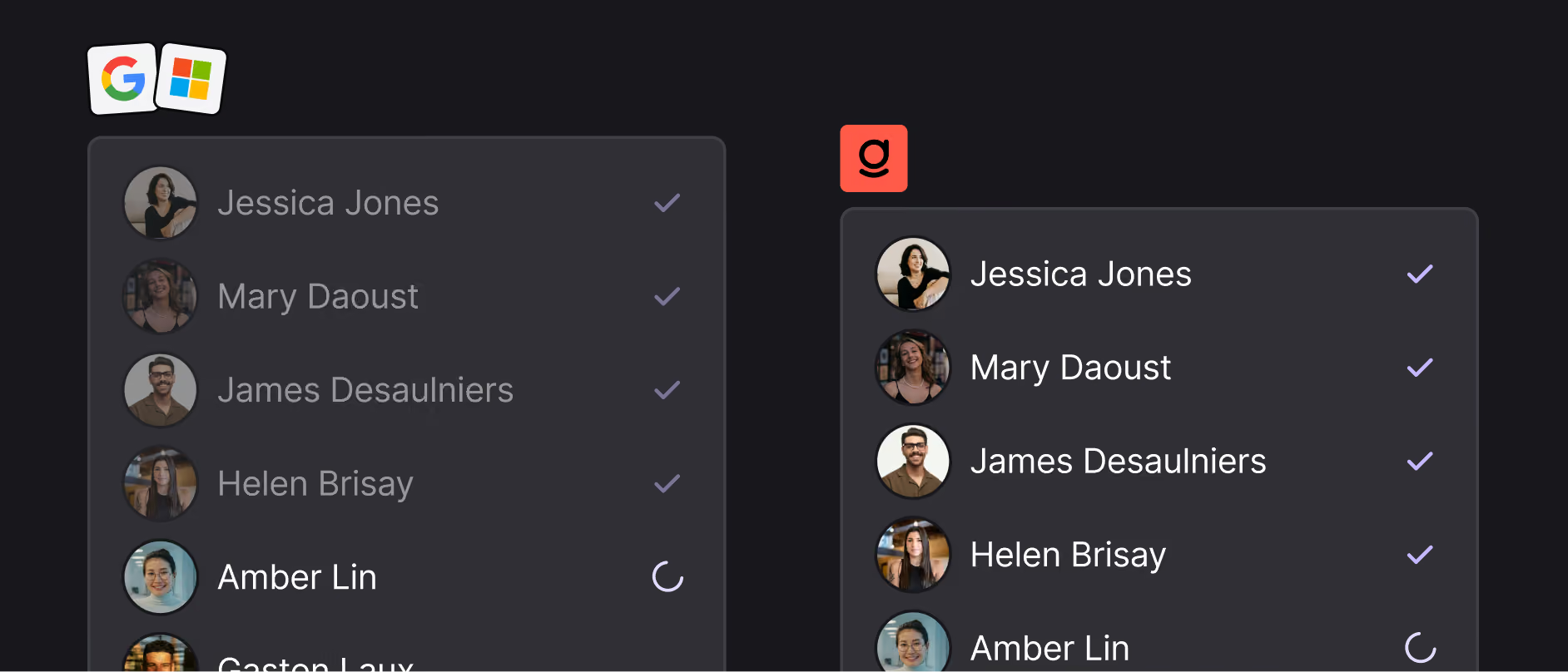
Your directory doesn't always speak the same language as your email signatures. Define import transformation rules.
Data arrives in Signitic in the correct format.
Precisely select the users or groups to integrate during synchronization. No unwanted accounts will be added to the platform.
Lock critical information to ensure its consistency and prevent unwanted modifications, even by an administrator.
Every change requested by a team member requires approval before implementation. You retain control over each update.
Enforce a specific image format to ensure compatibility with all email clients and prevent display errors.
Définissez des dimensions maximales pour garantir un rendu cohérent sur desktop et mobile.
Set a maximum size to ensure deliverability and prevent your emails from ending up in spam.
Control Every Access
Custom Role and Access
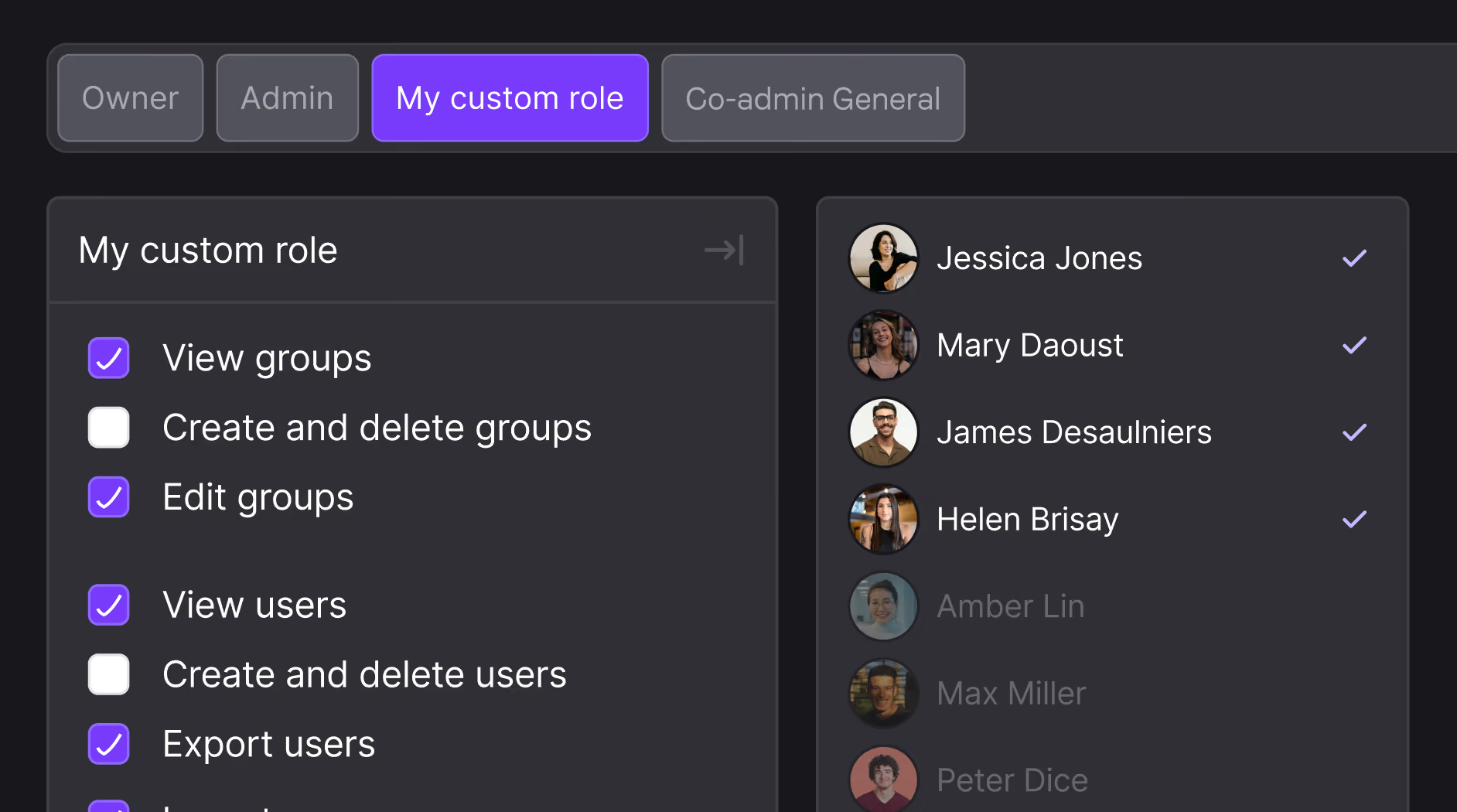
Enforce single sign-on via Microsoft or Google across all accounts. No access without your identity provider.
Make two-factor authentication mandatory for all users. One rule, no exceptions.
Benefit from a team 100% dedicated to your project







Ils ont fait de leur signature email un outil marketing
signatures email bien plus qu'une carte de visite.



Do you have a question? We'll answer it.
Is the personal information of each employee automatically included in the signature?
Yes, that's one of the strengths of Signitic. The platform connects directly to your user directory (Active Directory, Microsoft 365 or Google Workspace) to retrieve the data of each collaborator: name, first name, position, telephone number, email address, etc. This information is then automatically injected into the variable fields of the signature model. Result: each employee has a personalized signature in his name, without any manual entry on his part, and updates to the directory (change of position, new number, etc.) are automatically reflected in the signature.
Is it possible to lighten the signature when replying and transferring emails?
Yes, Signitic allows you to define specific display rules for responses and transfers. It is thus possible to automatically hide certain elements such as the marketing banner or the logo upon the first response, in order to avoid the repetition of the complete signature in the discussion threads. Only essential information (name, contact details) remains visible. This improves the readability of exchanges and avoids overloading email threads, a common problem in business communications.
Can we display a different signature depending on whether the email is sent internally or externally?
Yes, Signitic offers advanced visibility rules that automate the display of the signature according to the recipient. You can set up a full signature with logo, marketing banner, and CTA for emails sent to external contacts (customers, prospects, partners), and a lightweight version for internal exchanges between colleagues. This feature is particularly useful for strengthening the brand image with customers while maintaining lighter and more relevant internal communication.
Quels éléments peut-on intégrer dans une signature mail avec Signitic ?
Signitic permet d'intégrer tous les éléments essentiels d'une signature mail professionnelle : informations textuelles du collaborateur (nom, prénom, poste, numéro de téléphone, adresse), logo ou photo de profil, liens vers les réseaux sociaux de l'entreprise ou du collaborateur (LinkedIn, Twitter, Facebook…), boutons d'appel à l'action (CTA) cliquables, bannières marketing, mentions légales et disclaimers. Chaque élément peut être conditionné selon des règles d'affichage, ce qui permet d'adapter automatiquement le contenu de la signature selon le destinataire ou le type d'email.
Can we preview and test a signature before deploying it?
Yes, Signitic includes a test phase in the creation process. Before deploying, you can preview the signature rendering and verify that all elements are displayed correctly. The platform also alerts in case of errors detected (broken links, excessive weight that may affect deliverability, misconfigured elements) in order to secure each production run. This makes it possible to deploy reliable signatures without unpleasant surprises.
Can employees change their signature themselves?
You can choose whether or not you allow the editing of the various email signature fields by your employees.If you synchronize your directory (AD) with Signitic, by default the signature fields cannot be edited. But you can change these settings field by field. Experience shows that it makes sense to give the user a bit of freedom, in particular to allow him to change the title of his function displayed in the email signature or to correct his phone. Important: Signitic only reads fields, there is no write back capability to your AD or HRIS.
How can I guarantee that all my company's signatures respect our graphic charter?
Signitic integrates a centralized design system: you define the colors, logo, and graphic styles of your company only once at the entity or group level. These settings are then automatically applied to all signatures in the organization. Employees can't change their signature themselves, which eliminates all visual disparities. If your charter evolves (new logo, new color palette), a single update in Signitic is enough to instantly apply it to all signatures.
Do you need to know how to code to create an email signature with Signitic?
No, no technical skills are required. Signitic offers a drag-and-drop visual editor that allows you to design professional email signatures in a few clicks, without touching a single line of HTML. You assemble the blocks of your choice: text, logo, photo, photo, social networks, CTA button, directly from the interface. To go even faster, a library of ready-to-use templates is available: simply choose a template and customize it according to your brand identity.
How do I assign an email signature to a collaborator or a team?
The attribution of signatures is done entirely from the centralized Significtic interface, with no action required on the part of employees. Once the signature template is created, all you have to do is assign it to a user, a group, or an entire entity (department, subsidiary, brand). Signitic synchronizes with your directory (Microsoft 365/Azure AD or Google Workspace) to automatically retrieve the list of collaborators and their data. It is also possible to assign several signatures to the same collaborator, depending on the contexts or brands represented.
Can I create different signatures for different departments?
Yes, Signitic is designed to manage the diversity of needs within the same organization. You can create as many signature templates as needed and assign them to distinct groups: sales, marketing teams, HR, support, subsidiaries, different brands. Each group automatically inherits the parameters defined for its entity (colors, logo, logo, links, legal notices), which guarantees global visual coherence while leaving the flexibility to adapt the content to each business context.
Everything you'll love about Signitic
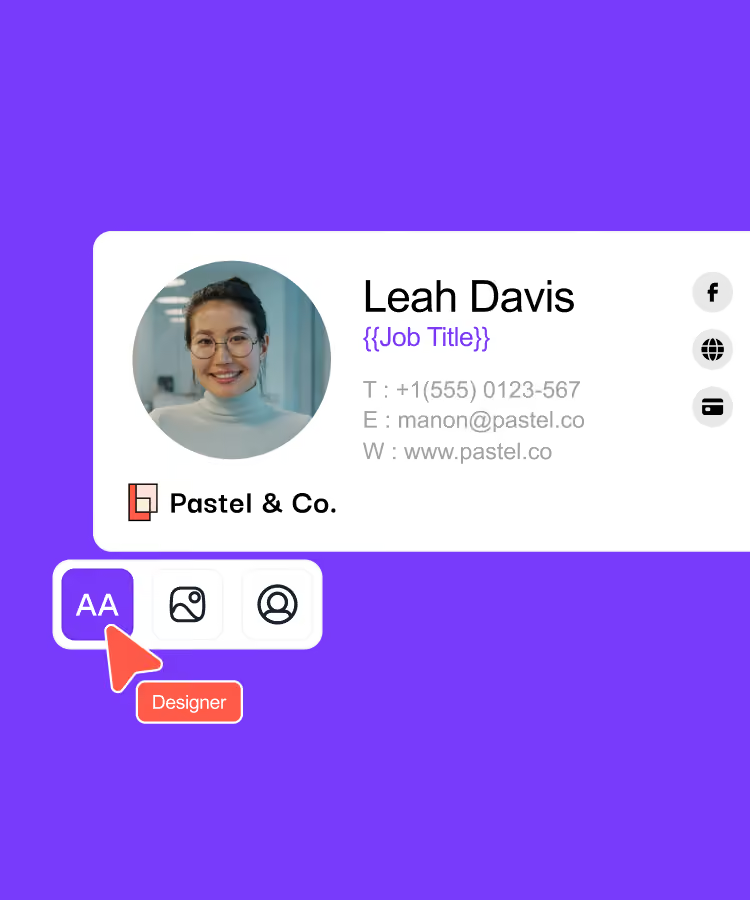
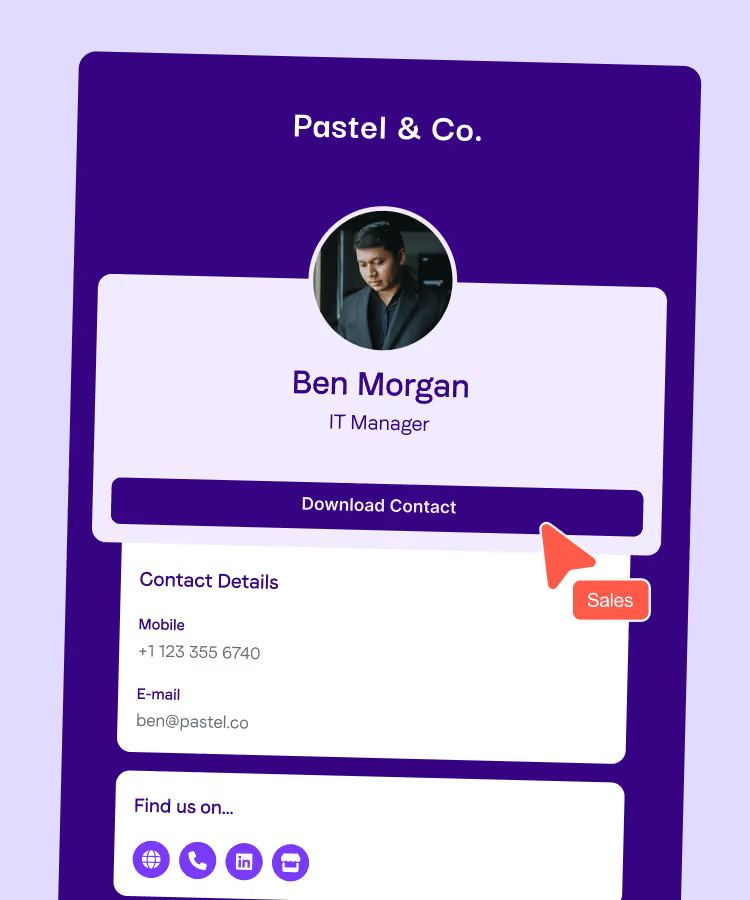
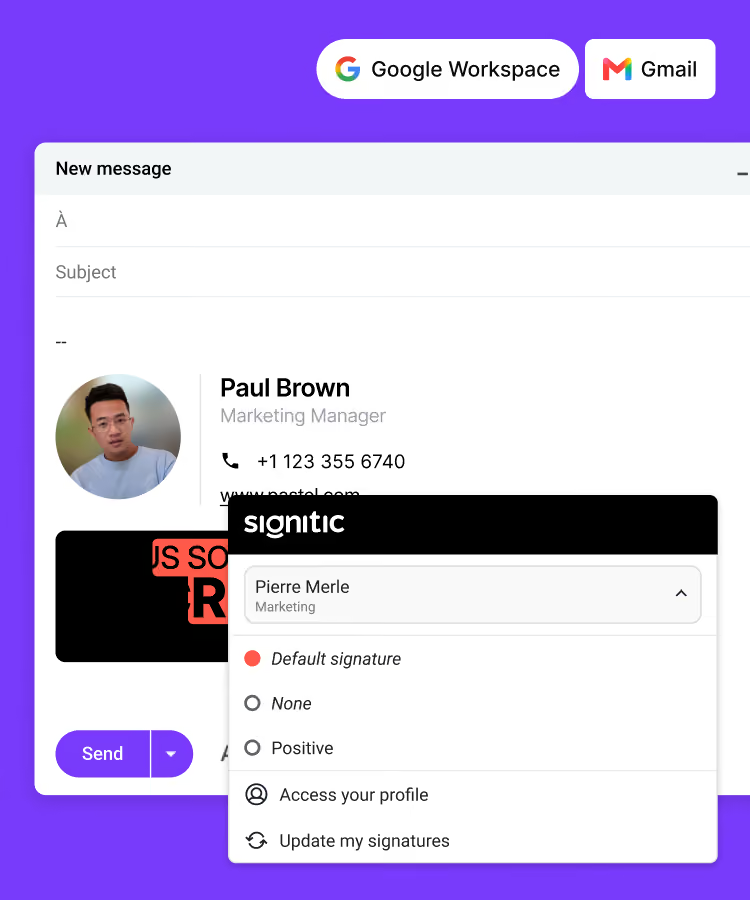
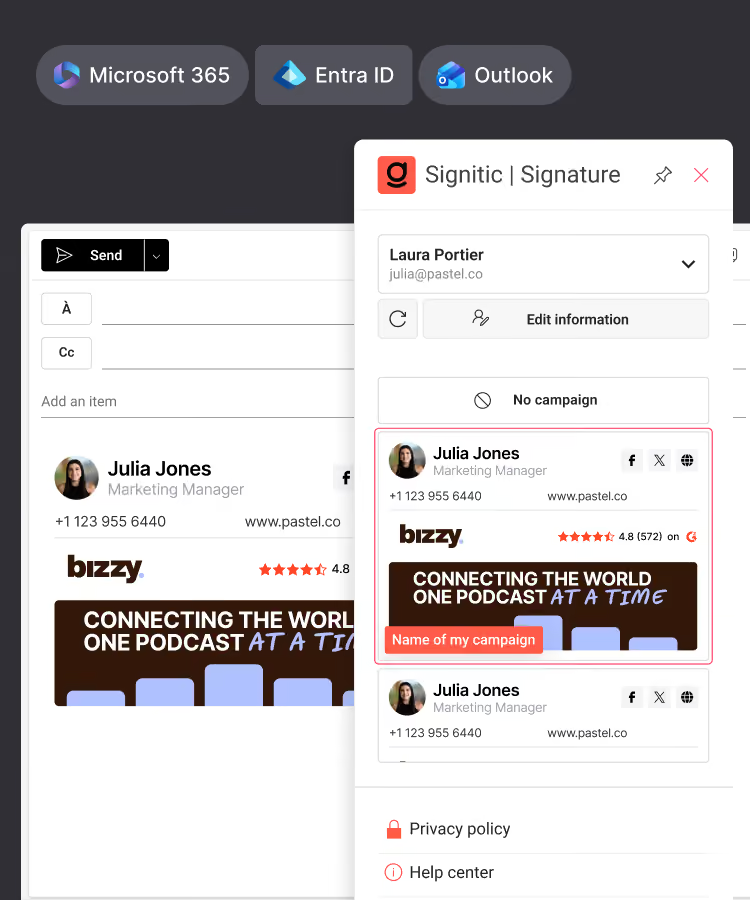
Standardize your team's signatures
Create your digital business cards
Connect Signitic to your Google Workspace directory
Connect Signitic to your Microsoft 365 directory
Assign access rights, protect your brand
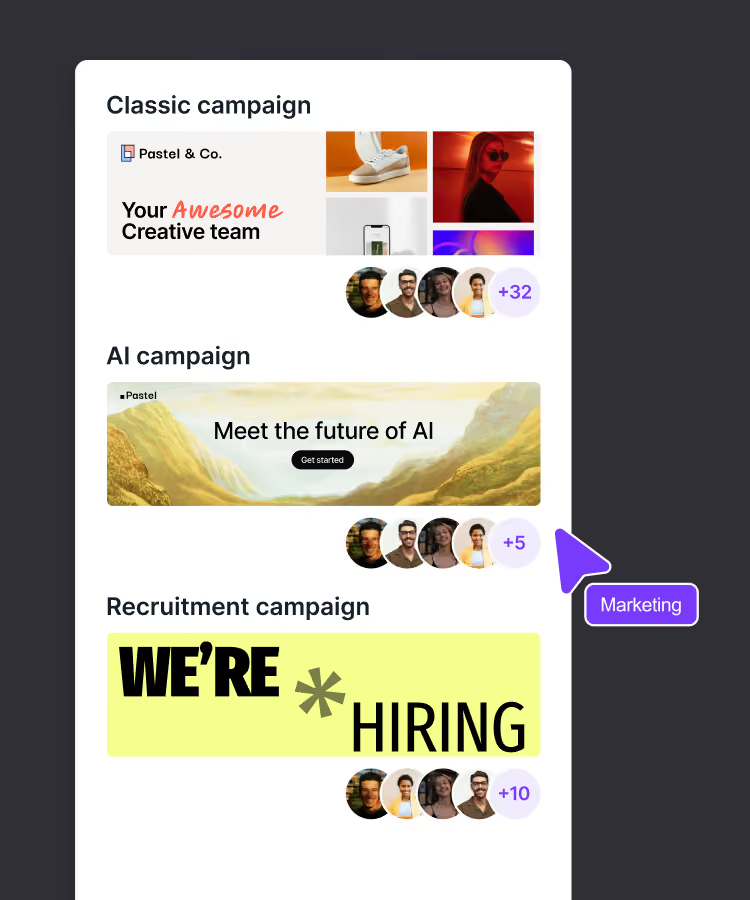
Add banners to your signatures
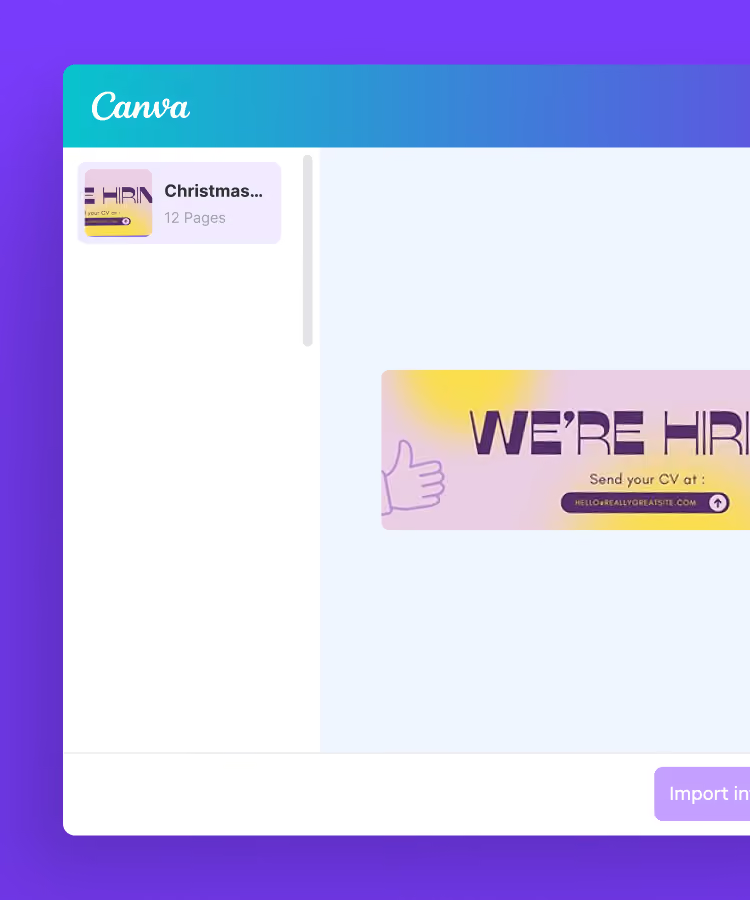
Import your banners from Canva
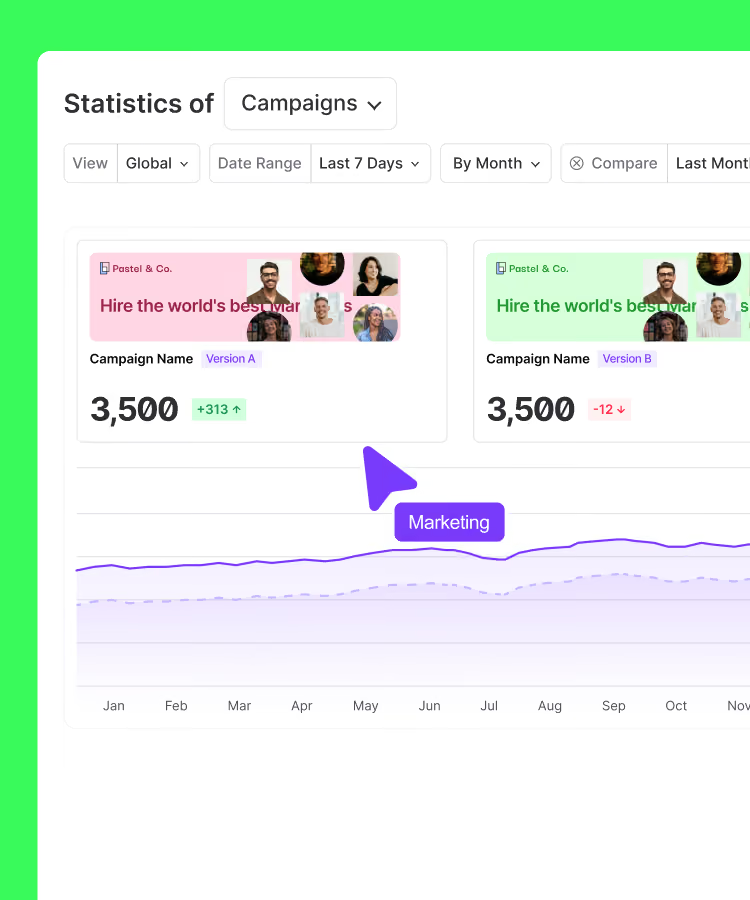
Test different versions of your banners
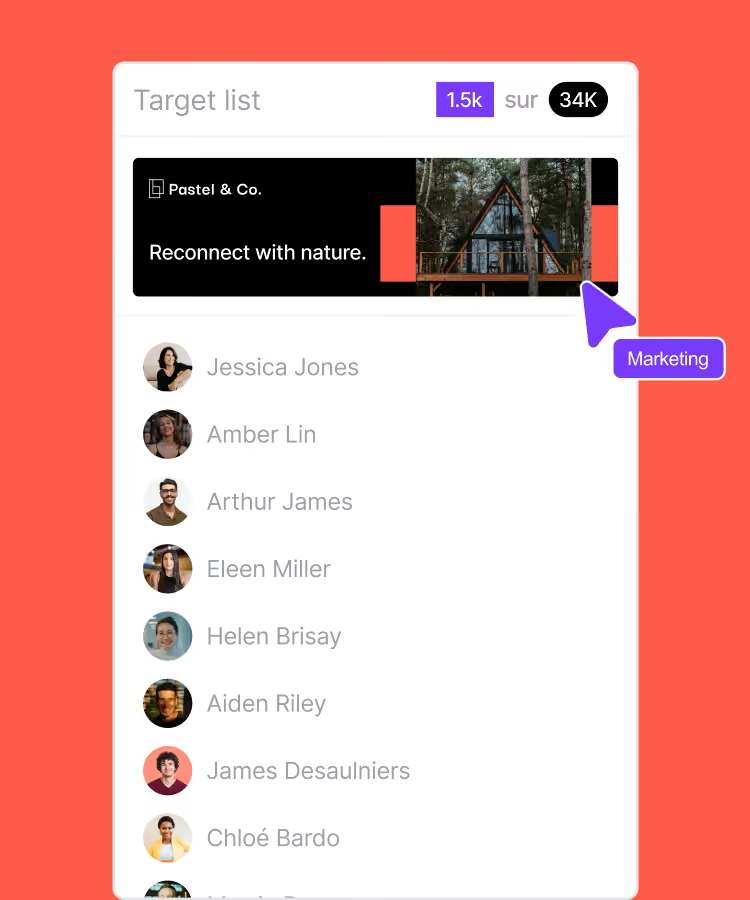
Target the right people

69003 Lyon
France



