



<svg width="100%" height="100%" viewBox="0 0 20 20" fill="none" xmlns="http://www.w3.org/2000/svg">
<path d="M9.99998 4.16667C8.84626 4.16667 7.71844 4.50879 6.75916 5.14976C5.79987 5.79074 5.0522 6.70178 4.61069 7.76768C4.16917 8.83358 4.05366 10.0065 4.27874 11.138C4.50382 12.2696 5.05939 13.309 5.87519 14.1248C6.691 14.9406 7.7304 15.4962 8.86196 15.7212C9.99351 15.9463 11.1664 15.8308 12.2323 15.3893C13.2982 14.9478 14.2092 14.2001 14.8502 13.2408C15.4912 12.2815 15.8333 11.1537 15.8333 10C15.8333 8.4529 15.2187 6.96917 14.1248 5.87521C13.0308 4.78125 11.5471 4.16667 9.99998 4.16667ZM9.99998 14.1667C9.17589 14.1667 8.37031 13.9223 7.68511 13.4645C6.9999 13.0066 6.46585 12.3559 6.15049 11.5945C5.83512 10.8332 5.75261 9.99538 5.91338 9.18712C6.07415 8.37887 6.47099 7.63644 7.05371 7.05372C7.63642 6.471 8.37885 6.07417 9.18711 5.9134C9.99536 5.75262 10.8331 5.83514 11.5945 6.1505C12.3559 6.46587 13.0066 6.99992 13.4644 7.68512C13.9223 8.37033 14.1667 9.17591 14.1667 10C14.1667 11.1051 13.7277 12.1649 12.9463 12.9463C12.1649 13.7277 11.1051 14.1667 9.99998 14.1667ZM9.99998 7.5C9.50553 7.5 9.02218 7.64662 8.61106 7.92133C8.19993 8.19603 7.8795 8.58648 7.69028 9.04329C7.50107 9.50011 7.45156 10.0028 7.54802 10.4877C7.64448 10.9727 7.88259 11.4181 8.23222 11.7678C8.58185 12.1174 9.02731 12.3555 9.51226 12.452C9.99721 12.5484 10.4999 12.4989 10.9567 12.3097C11.4135 12.1205 11.804 11.8 12.0787 11.3889C12.3534 10.9778 12.5 10.4945 12.5 10C12.5 9.33696 12.2366 8.70107 11.7678 8.23223C11.2989 7.76339 10.663 7.5 9.99998 7.5ZM9.99998 10.8333C9.83517 10.8333 9.67405 10.7845 9.53701 10.6929C9.39997 10.6013 9.29316 10.4712 9.23008 10.3189C9.16701 10.1666 9.15051 9.99908 9.18266 9.83743C9.21482 9.67577 9.29418 9.52729 9.41073 9.41074C9.52727 9.2942 9.67576 9.21483 9.83741 9.18268C9.99906 9.15053 10.1666 9.16703 10.3189 9.2301C10.4712 9.29317 10.6013 9.39998 10.6929 9.53702C10.7844 9.67407 10.8333 9.83518 10.8333 10C10.8333 10.221 10.7455 10.433 10.5892 10.5893C10.433 10.7455 10.221 10.8333 9.99998 10.8333ZM9.99998 0.833334C8.18699 0.833334 6.41471 1.37095 4.90726 2.3782C3.39981 3.38544 2.22489 4.81708 1.53109 6.49207C0.837285 8.16706 0.655754 10.0102 1.00945 11.7883C1.36315 13.5665 2.23619 15.1998 3.51817 16.4818C4.80015 17.7638 6.4335 18.6368 8.21166 18.9905C9.98981 19.3442 11.8329 19.1627 13.5079 18.4689C15.1829 17.7751 16.6145 16.6002 17.6218 15.0927C18.629 13.5853 19.1667 11.813 19.1667 10C19.1667 7.56885 18.2009 5.23727 16.4818 3.51819C14.7627 1.79911 12.4311 0.833334 9.99998 0.833334ZM9.99998 17.5C8.51662 17.5 7.06658 17.0601 5.83321 16.236C4.59984 15.4119 3.63854 14.2406 3.07089 12.8701C2.50323 11.4997 2.3547 9.99168 2.64409 8.53682C2.93348 7.08197 3.64779 5.74559 4.69668 4.6967C5.74558 3.64781 7.08195 2.9335 8.53681 2.64411C9.99166 2.35472 11.4997 2.50325 12.8701 3.0709C14.2406 3.63856 15.4119 4.59986 16.236 5.83322C17.0601 7.06659 17.5 8.51664 17.5 10C17.5 11.9891 16.7098 13.8968 15.3033 15.3033C13.8968 16.7098 11.9891 17.5 9.99998 17.5Z" fill="#ffffff"/>
</svg>
Your email signatures adapt to each recipient.









%201.png)
Each email signature delivers the message
most relevant to its recipient.
Your employees, your best ambassadors
Profile targeting
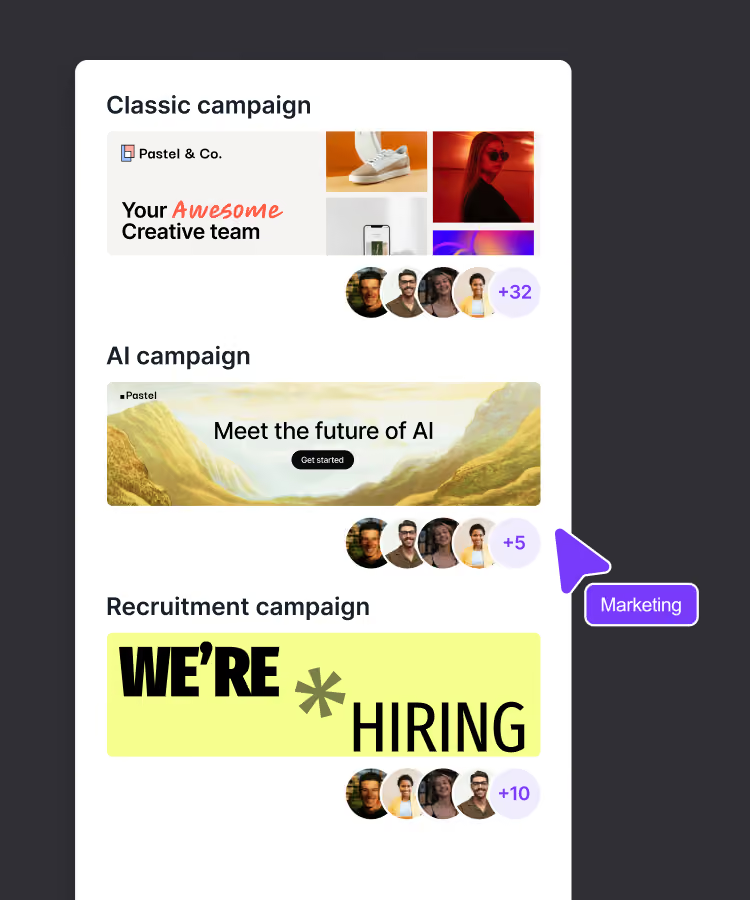
Smart campaign
Brand consistency
Deliver the right message to each recipient
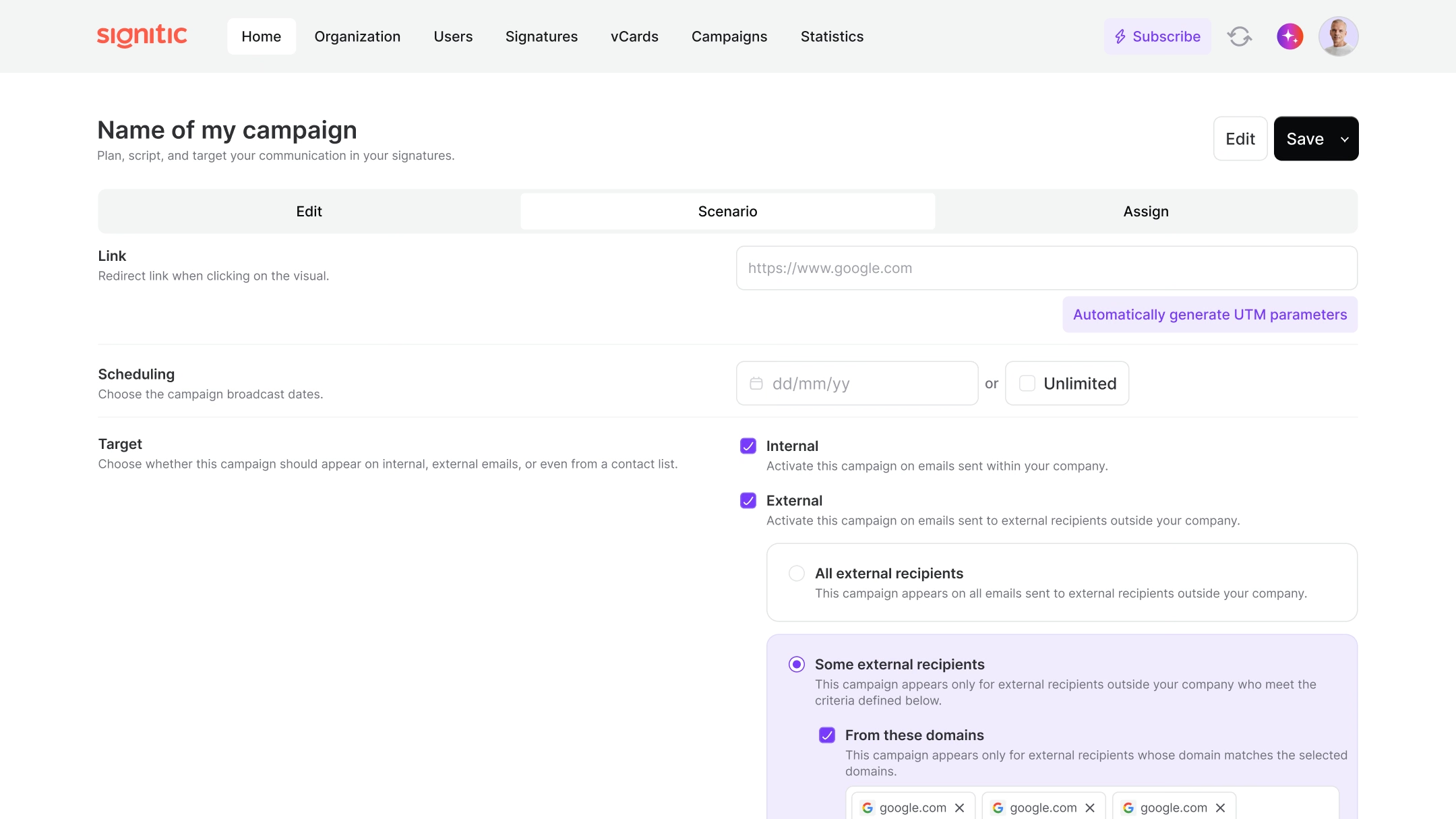
Internal / External Targeting
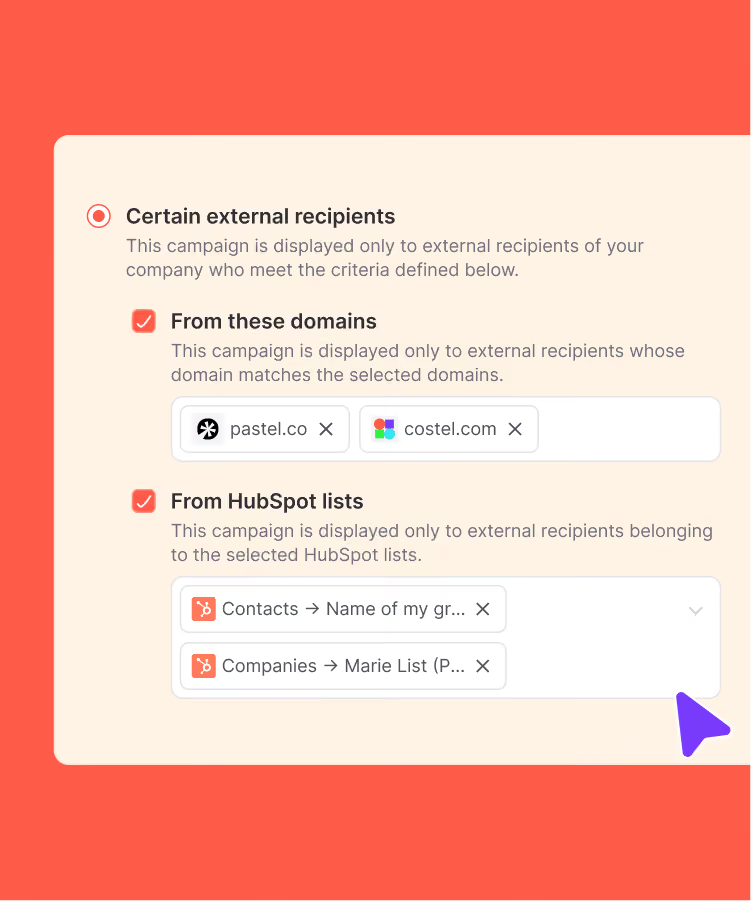
Targeting by domain name
Segmentation from your HubSpot segments
Personalization
at the heart of engagement
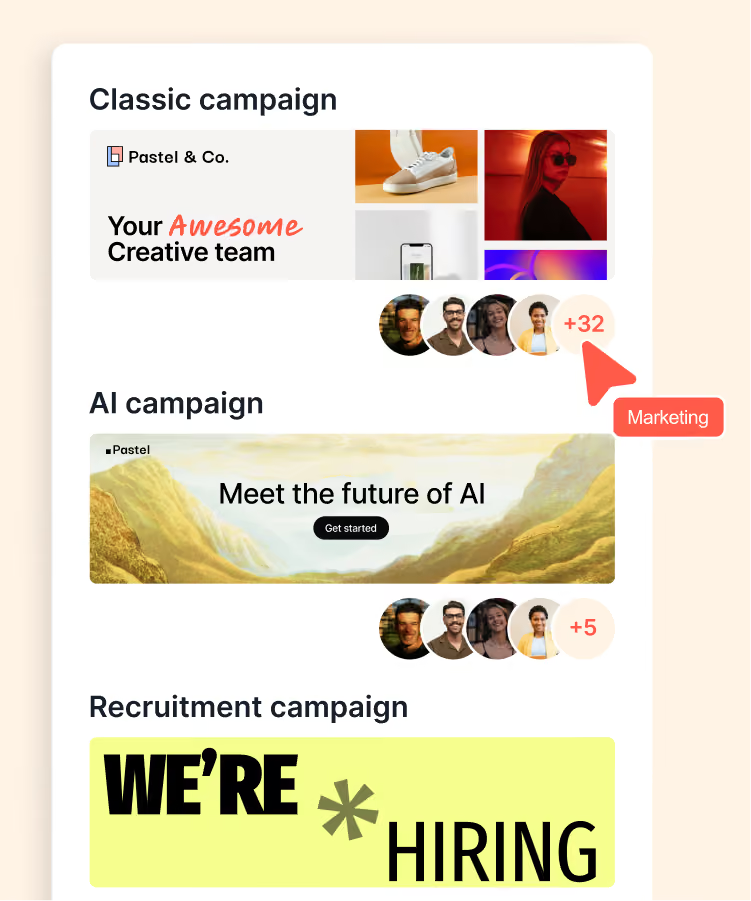
Set distribution priorities by team or individual and ensure the most important messages are delivered.
Signatures and campaigns adjust based on the sender, recipient, or HubSpot segment.
Automatically adapt the signature and campaign based on the email address. Each send matches its context.
Let your teams update their contact information. The signature always remains accurate.
All changes, new campaigns, or updates are synchronized automatically every day. No intervention required.
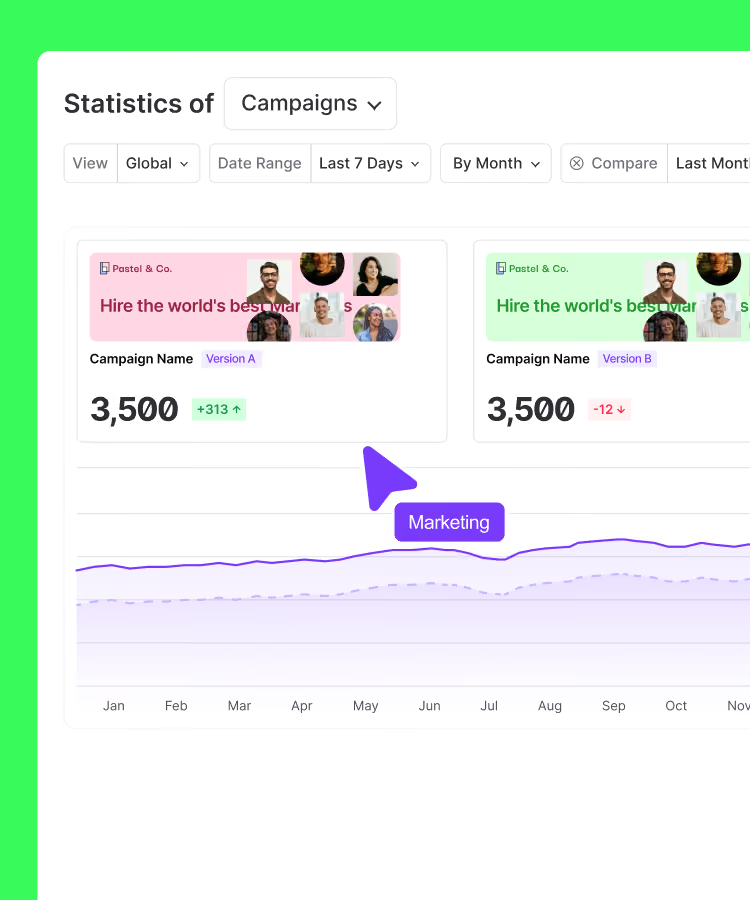
Measure the effectiveness of your campaigns with detailed statistics: click-through rates, engagement, and performance per employee.
Ils ont fait de leur signature email un outil marketing
signatures email bien plus qu'une carte de visite.





Do you have a question? We'll answer it.
What is the difference between targeting and segmentation in Signitic?
The two functionalities are complementary but act at different levels. Segmentation concerns the organization of sending employees: it makes it possible to group together teams, departments or subsidiaries in order to assign them signatures and campaigns adapted to their profession. Targeting, on the other hand, concerns email recipients: it makes it possible to adapt the content displayed according to the profile of the person receiving the message. Used together, these two functionalities make it possible to cover the entire personalization chain, from the sender to the final recipient.
How often are targeting rules and signatures synchronized?
Signitic automatically synchronizes all data on a daily basis: new campaigns activated, signature changes, updates to employee information from the directory, and new targeting rules configured. This synchronization ensures that each employee always uses the most up-to-date version of their signature, without manual intervention. In case of urgent need (launching an emergency campaign, for example) it is also possible to force manual synchronization from the administration interface.
How does domain name targeting work in Signitic?
Targeting by domain name makes it possible to adapt the content of the signature according to the recipient's email domain. Concretely, you can configure a specific banner for all emails sent to contacts belonging to a particular company, or display a personalized message for your strategic accounts. This is particularly useful for sales teams working with key account customers: each email sent to them can carry a tailor-made message, without additional effort.
How to measure the effectiveness of targeting on campaign performance?
Signitic integrates detailed statistical tools that allow you to monitor performance by campaign, by collaborator and by segment of recipients. You can thus compare the click rate of a banner displayed to external versus internal contacts, or measure the engagement generated by a campaign targeting a specific sector. This data, combined with the automatically generated UTM parameters, makes it possible to continuously optimize the targeting rules to maximize the impact of each communication.
What is email signature targeting and why is it useful?
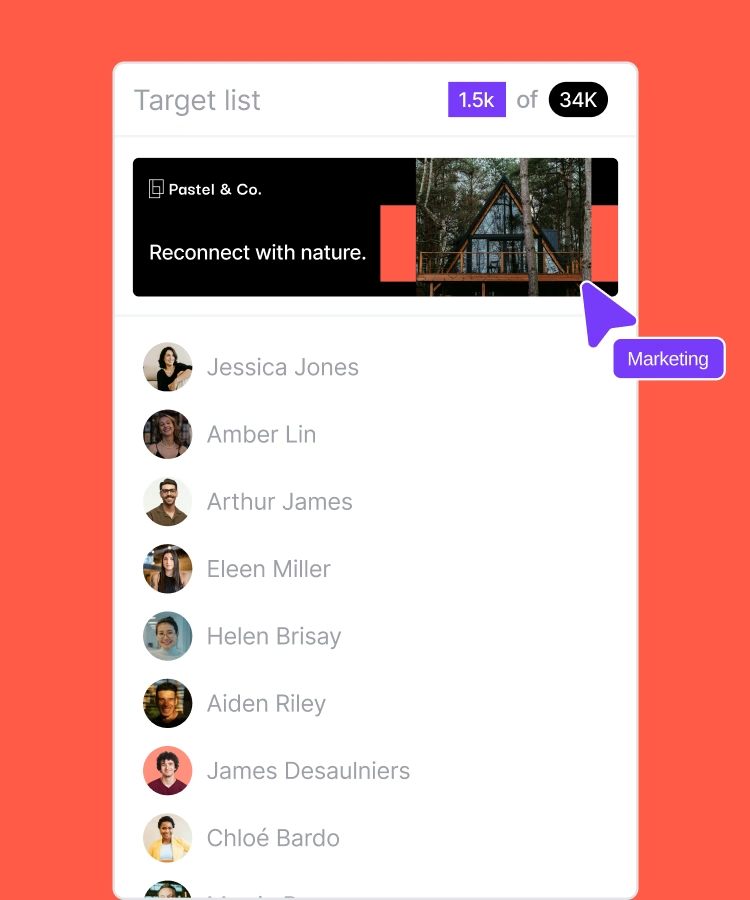
Email signature targeting consists in automatically displaying a different signature or banner depending on the profile of the sender and that of the recipient. Instead of sending the same message to everyone, Signitic adapts the content of each signature in real time according to specific criteria: type of contact (internal or external), domain name or Hubspot segment. Result: each email becomes a personalized point of contact, more relevant and more engaging for its recipient.
Is it possible to manage targeting for a multi-brand or multi-subsidiary organization?
Yes, Signitic is designed to meet the needs of complex organizations. The multi-brand management feature makes it possible to automatically adapt the signature and the displayed campaign according to the email address used by the employee. Thus, an employee who sends emails from several addresses (brand A, brand B, regional subsidiary, etc.) automatically sees the correct signature applied according to the context of sending, guaranteeing total brand consistency across all entities.
Can a different banner be displayed depending on whether the recipient is internal or external to the company?
Yes, it's one of the most used targeting rules in Signitic. It is possible to define that a marketing banner (invitation to an event, commercial offer, link to a white paper) is displayed only in emails sent to external contacts, while internal exchanges remain refined and focused on the essentials. This internal/external targeting is automatically applied to each shipment, without the collaborator having to choose which version to use.
How does Signitic integrate with HubSpot for signature targeting?
Signitic syncs with HubSpot to allow targeting based on existing CRM segments. This means that you can adapt the banner displayed in a signature according to the contact's sales cycle (prospect, customer, partner), industry, or any other contact or business segmentation criteria defined in HubSpot. This integration makes it possible to align the daily email communication of your teams with the company's overall marketing and sales strategy, without duplicating settings.
Everything you'll love about Signitic
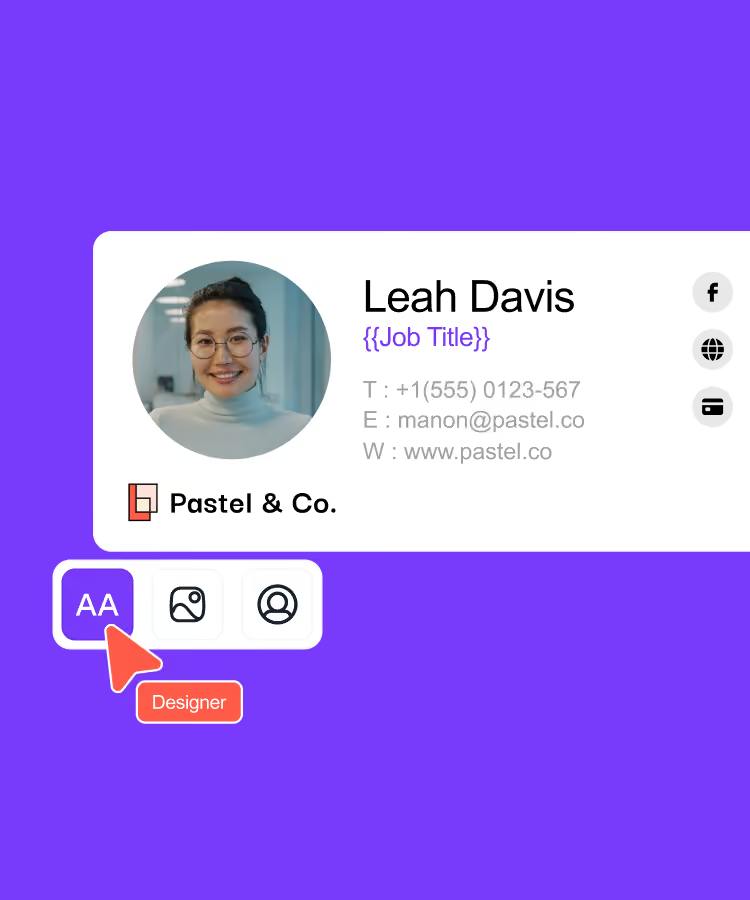
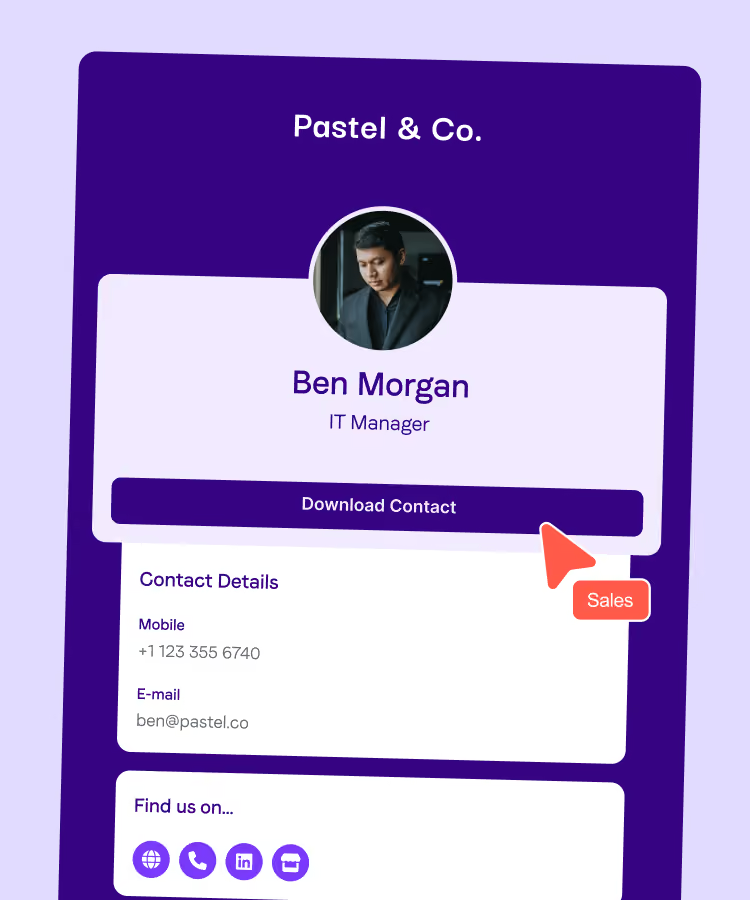
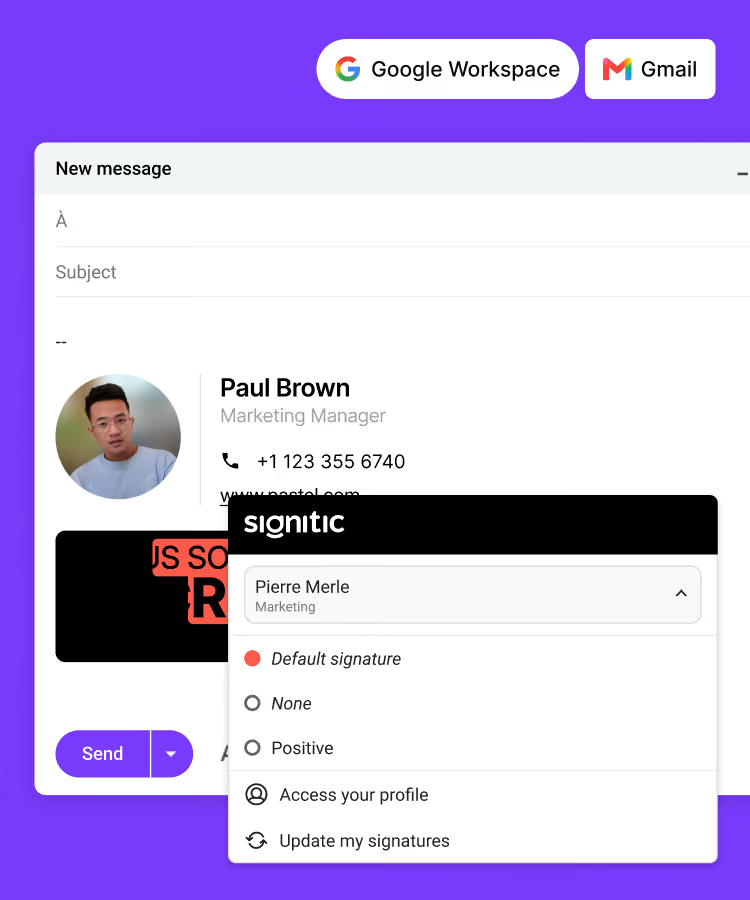
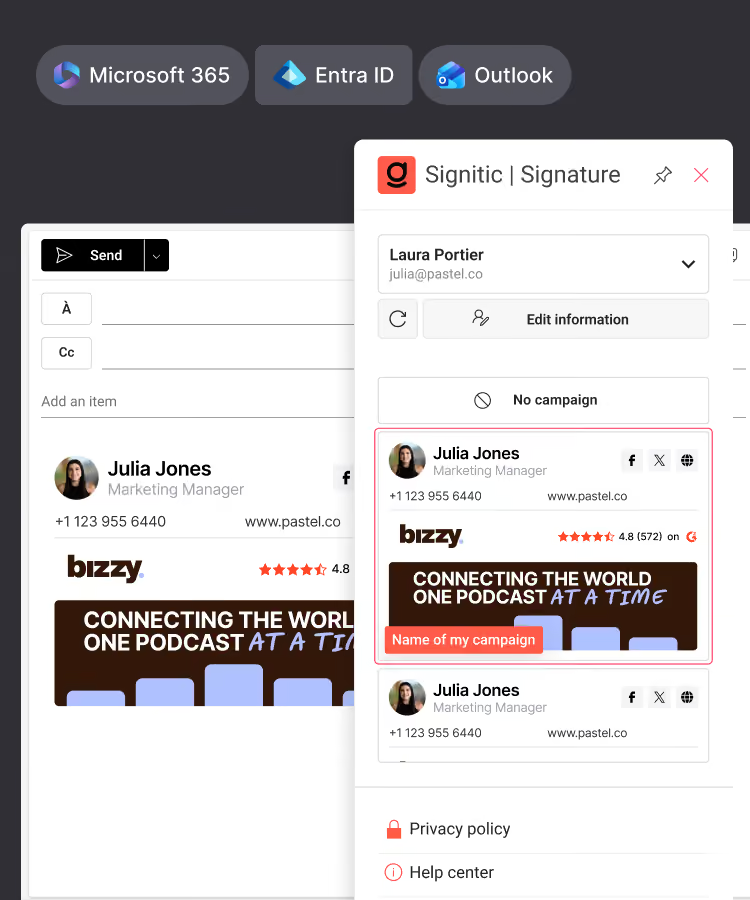

Standardize your team's signatures
Create your digital business cards
Connect Signitic to your Google Workspace directory
Connect Signitic to your Microsoft 365 directory
Assign access rights, protect your brand
Add banners to your signatures
Import your banners from Canva
Test different versions of your banners
Target the right people

69003 Lyon
France



