



Request a callback now
<svg width="100%" height="100%" viewBox="0 0 20 20" fill="none" xmlns="http://www.w3.org/2000/svg">
<path d="M3.79767 3.0116C3.91891 1.63867 5.37784 0.796465 6.62747 1.37781L6.75155 1.44037L17.1053 7.12354C18.7565 8.02993 18.3537 10.5089 16.5004 10.8455L11.5855 11.7368L14.2017 16.2683C14.4088 16.627 14.2859 17.0857 13.9272 17.2928C13.5685 17.4999 13.1098 17.377 12.9027 17.0183L10.2865 12.4868L7.05995 16.2948C5.84189 17.7314 3.49419 16.8416 3.53472 14.9585L3.78981 3.15033L3.79767 3.0116ZM6.03026 2.75553C5.70121 2.5749 5.29751 2.80798 5.28941 3.18326L5.03516 14.9909C5.02517 15.4616 5.6113 15.6838 5.9158 15.3249L10.0053 10.4999L16.232 9.3688C16.6664 9.2899 16.7825 8.74068 16.4551 8.48562L16.384 8.4387L6.03026 2.75553Z" fill="#ffffff"/></svg>
Control every email signature







%201.png)
Create a perfect email signature and deploy it to all your employees
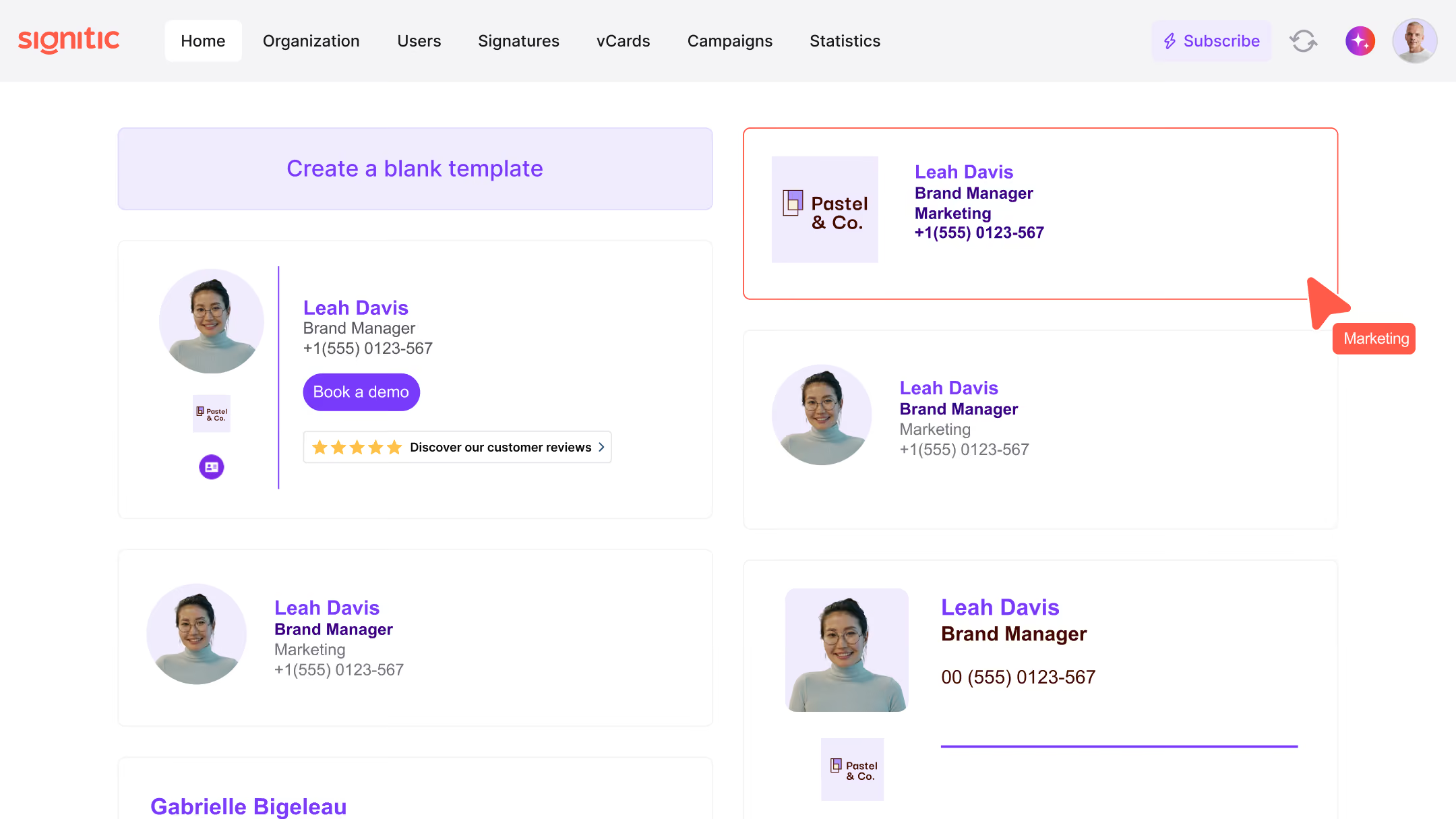
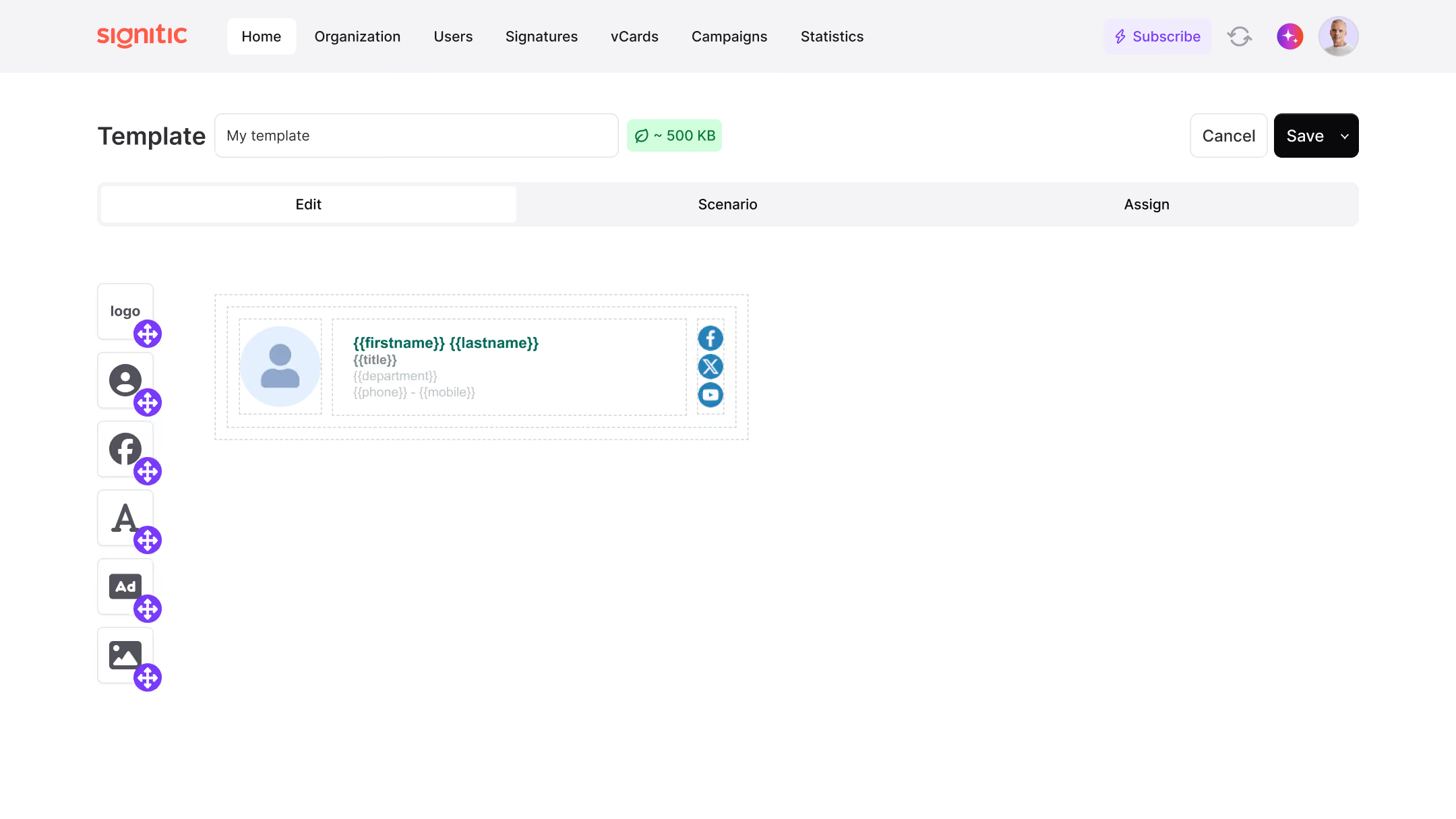
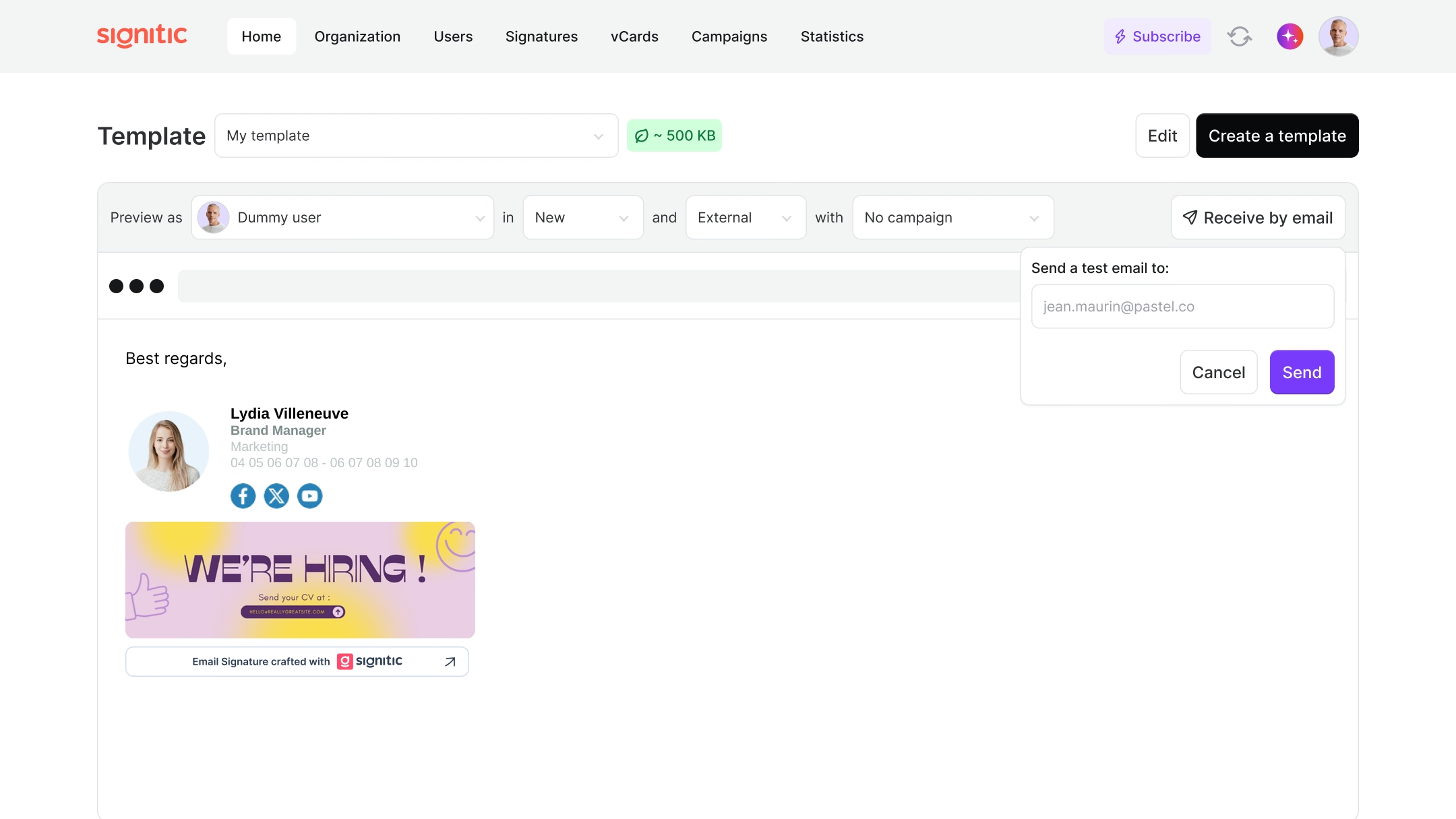
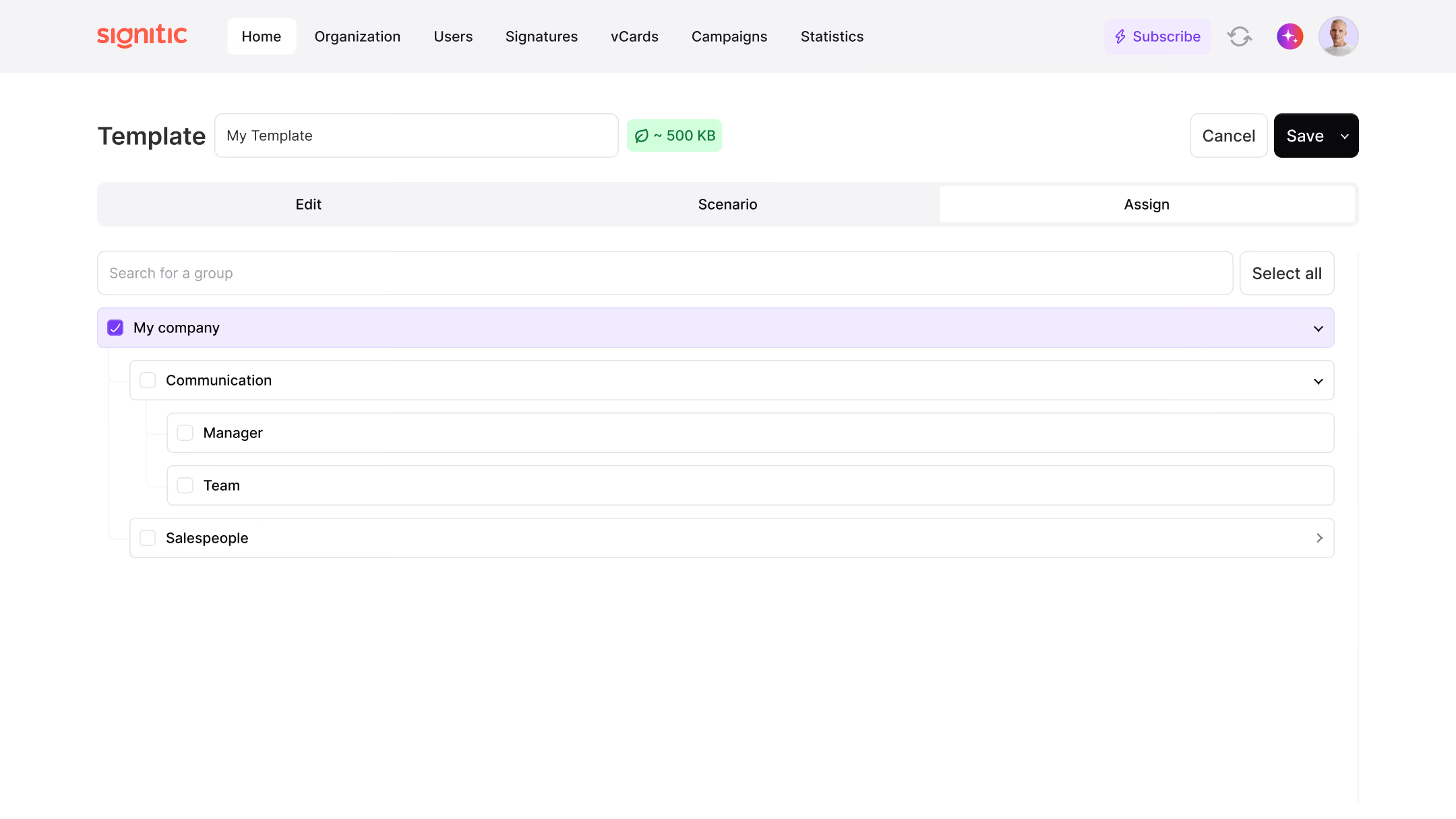
Your email signatures, exactly as you imagine them
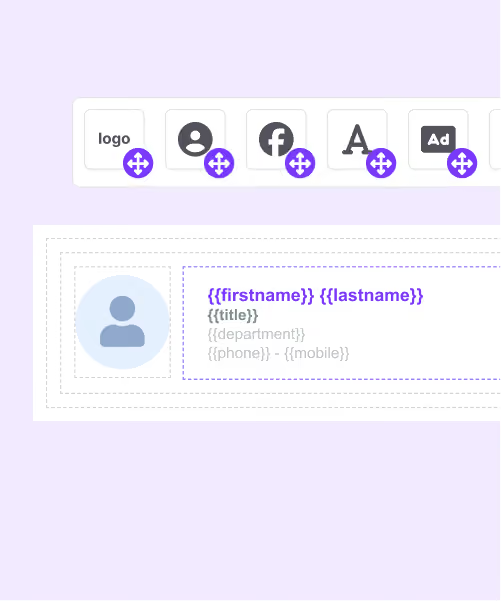
Drag and drop everything you need
Text
Visuels
Social networks
Button
Add personalized information for each collaborator
Internal/external
New/answer
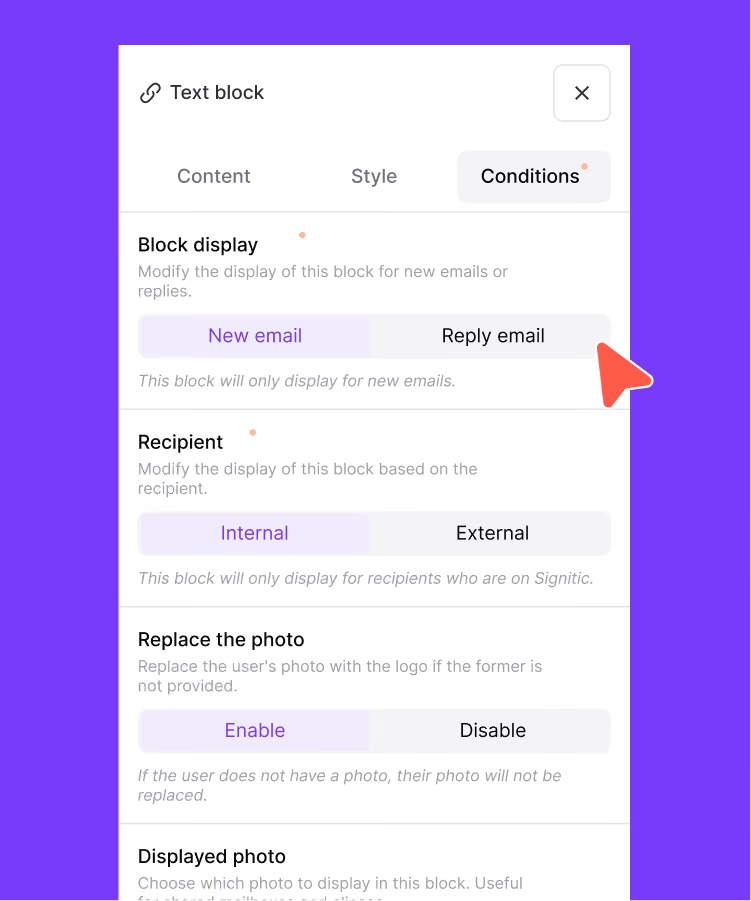
Consistent visual identity across all your email signatures.
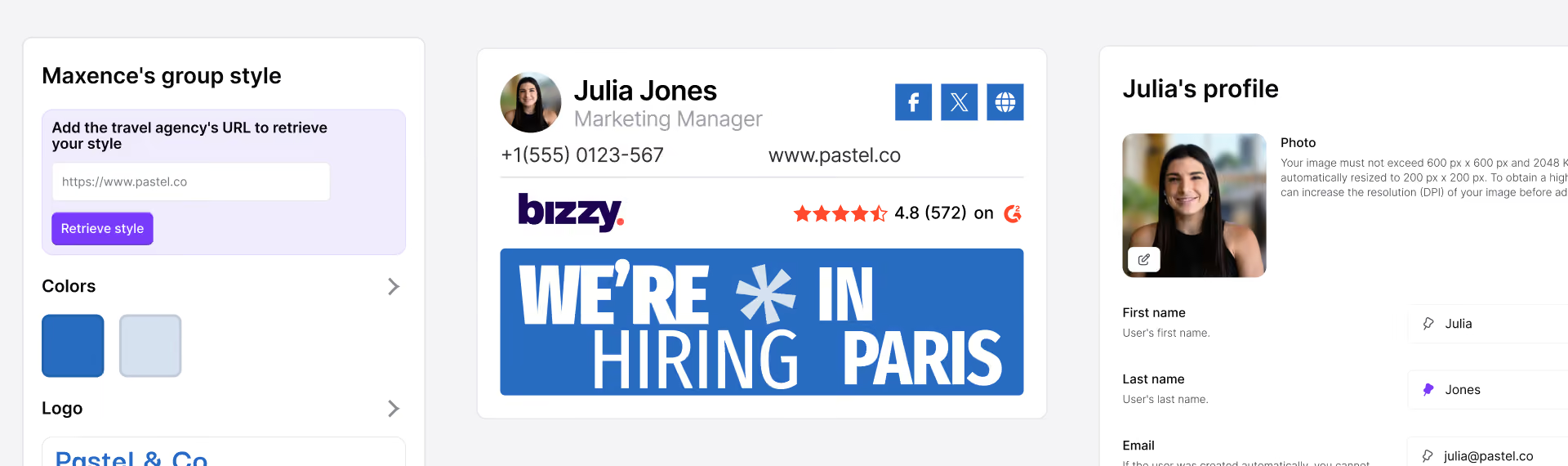
All signatures automatically adapt to the colors and logo of each specific group.
Employees' personal information (name, job title, phone number) is inserted automatically.
All signatures automatically inherit the links, disclaimers, and legal notices of their respective group to ensure compliance.
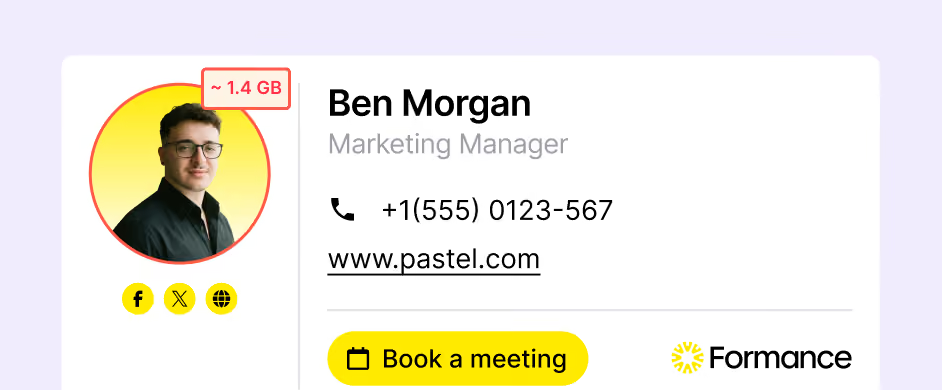
Control the size of your email signatures
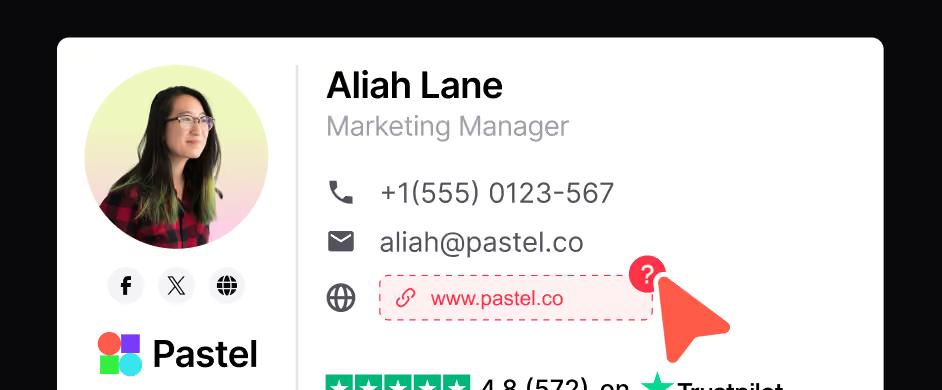
Secure your brand image before every send
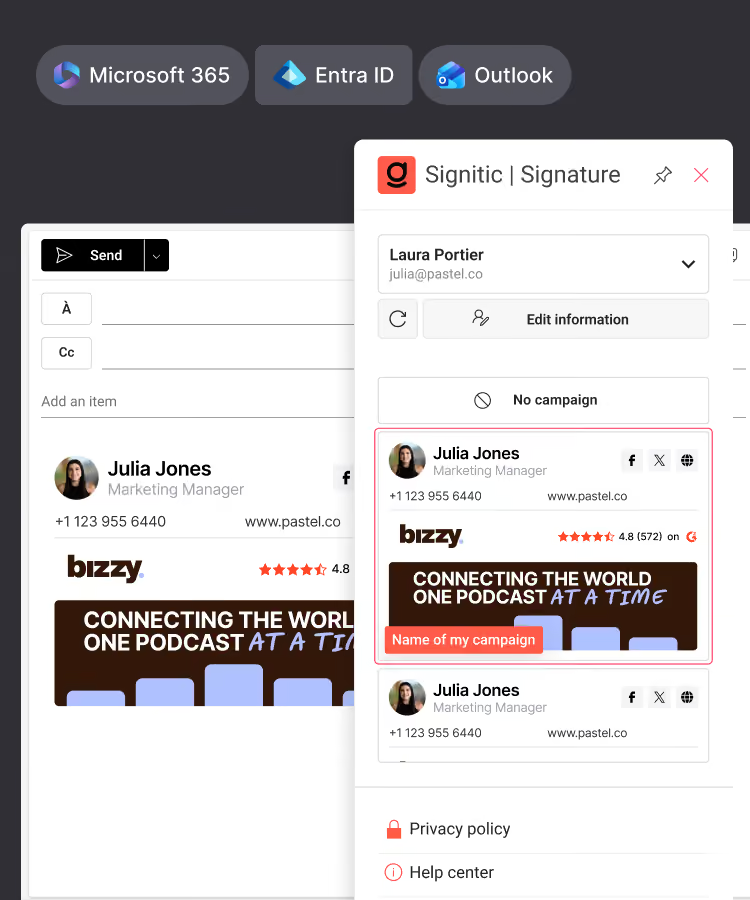
Integrated into your environment







Ils ont fait de leur signature email un outil marketing
signatures email bien plus qu'une carte de visite.




Do you have a question? We'll answer it.
Is it possible to lighten the signature when replying and transferring emails?
Yes, Signitic allows you to define specific display rules for responses and transfers. It is thus possible to automatically hide certain elements such as the marketing banner or the logo upon the first response, in order to avoid the repetition of the complete signature in the discussion threads. Only essential information (name, contact details) remains visible. This improves the readability of exchanges and avoids overloading email threads, a common problem in business communications.
How can I guarantee that all my company's signatures respect our graphic charter?
Signitic integrates a centralized design system: you define the colors, logo, and graphic styles of your company only once at the entity or group level. These settings are then automatically applied to all signatures in the organization. Employees can't change their signature themselves, which eliminates all visual disparities. If your charter evolves (new logo, new color palette), a single update in Signitic is enough to instantly apply it to all signatures.
How do I assign an email signature to a collaborator or a team?
The attribution of signatures is done entirely from the centralized Significtic interface, with no action required on the part of employees. Once the signature template is created, all you have to do is assign it to a user, a group, or an entire entity (department, subsidiary, brand). Signitic synchronizes with your directory (Microsoft 365/Azure AD or Google Workspace) to automatically retrieve the list of collaborators and their data. It is also possible to assign several signatures to the same collaborator, depending on the contexts or brands represented.
Do you need to know how to code to create an email signature with Signitic?
No, no technical skills are required. Signitic offers a drag-and-drop visual editor that allows you to design professional email signatures in a few clicks, without touching a single line of HTML. You assemble the blocks of your choice: text, logo, photo, photo, social networks, CTA button, directly from the interface. To go even faster, a library of ready-to-use templates is available: simply choose a template and customize it according to your brand identity.
Can I create different signatures for different departments?
Yes, Signitic is designed to manage the diversity of needs within the same organization. You can create as many signature templates as needed and assign them to distinct groups: sales, marketing teams, HR, support, subsidiaries, different brands. Each group automatically inherits the parameters defined for its entity (colors, logo, logo, links, legal notices), which guarantees global visual coherence while leaving the flexibility to adapt the content to each business context.
Can employees change their signature themselves?
You can choose whether or not you allow the editing of the various email signature fields by your employees.If you synchronize your directory (AD) with Signitic, by default the signature fields cannot be edited. But you can change these settings field by field. Experience shows that it makes sense to give the user a bit of freedom, in particular to allow him to change the title of his function displayed in the email signature or to correct his phone. Important: Signitic only reads fields, there is no write back capability to your AD or HRIS.
Is the personal information of each employee automatically included in the signature?
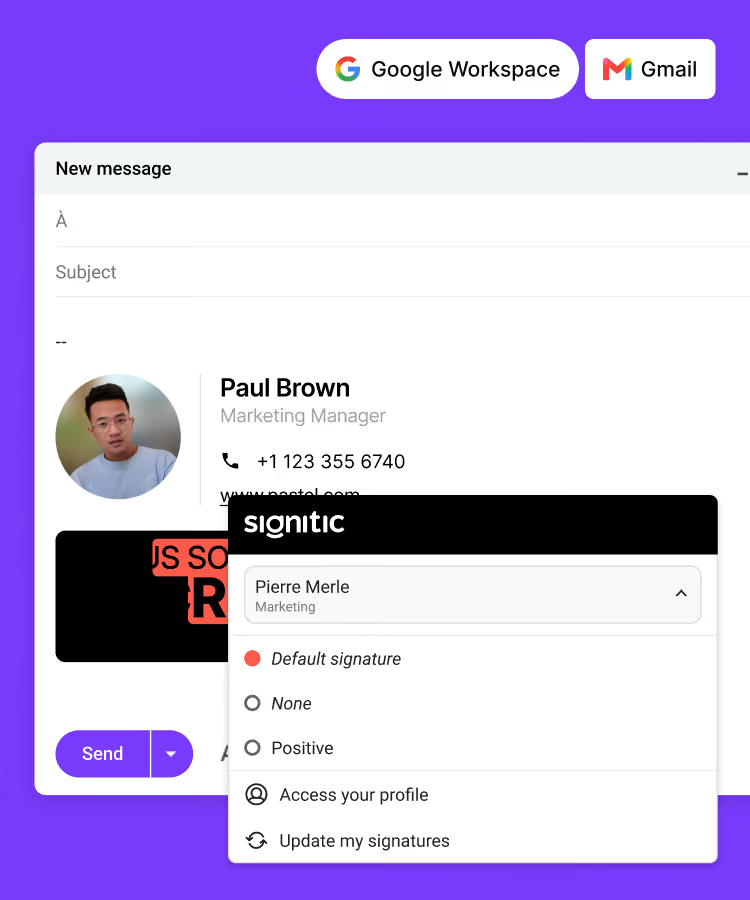
Yes, that's one of the strengths of Signitic. The platform connects directly to your user directory (Active Directory, Microsoft 365 or Google Workspace) to retrieve the data of each collaborator: name, first name, position, telephone number, email address, etc. This information is then automatically injected into the variable fields of the signature model. Result: each employee has a personalized signature in his name, without any manual entry on his part, and updates to the directory (change of position, new number, etc.) are automatically reflected in the signature.
Quels éléments peut-on intégrer dans une signature mail avec Signitic ?
Signitic permet d'intégrer tous les éléments essentiels d'une signature mail professionnelle : informations textuelles du collaborateur (nom, prénom, poste, numéro de téléphone, adresse), logo ou photo de profil, liens vers les réseaux sociaux de l'entreprise ou du collaborateur (LinkedIn, Twitter, Facebook…), boutons d'appel à l'action (CTA) cliquables, bannières marketing, mentions légales et disclaimers. Chaque élément peut être conditionné selon des règles d'affichage, ce qui permet d'adapter automatiquement le contenu de la signature selon le destinataire ou le type d'email.
Can we display a different signature depending on whether the email is sent internally or externally?
Yes, Signitic offers advanced visibility rules that automate the display of the signature according to the recipient. You can set up a full signature with logo, marketing banner, and CTA for emails sent to external contacts (customers, prospects, partners), and a lightweight version for internal exchanges between colleagues. This feature is particularly useful for strengthening the brand image with customers while maintaining lighter and more relevant internal communication.
Can we preview and test a signature before deploying it?
Yes, Signitic includes a test phase in the creation process. Before deploying, you can preview the signature rendering and verify that all elements are displayed correctly. The platform also alerts in case of errors detected (broken links, excessive weight that may affect deliverability, misconfigured elements) in order to secure each production run. This makes it possible to deploy reliable signatures without unpleasant surprises.
Everything you'll love about Signitic
Standardize your team's signatures
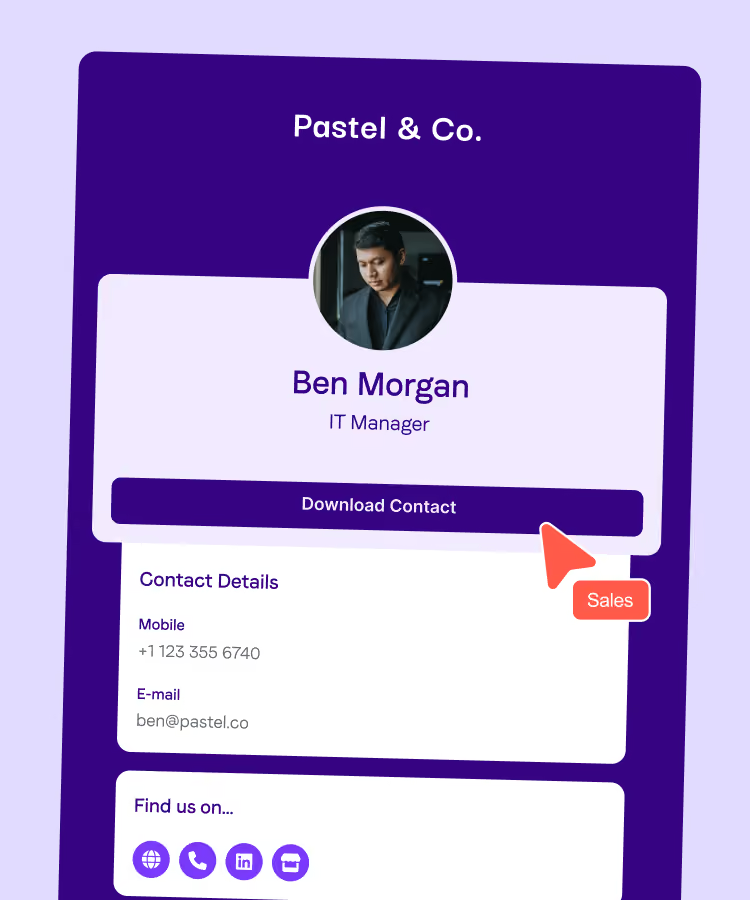
Create your digital business cards
Connect Signitic to your Google Workspace directory
Connect Signitic to your Microsoft 365 directory
Assign access rights, protect your brand
Add banners to your signatures
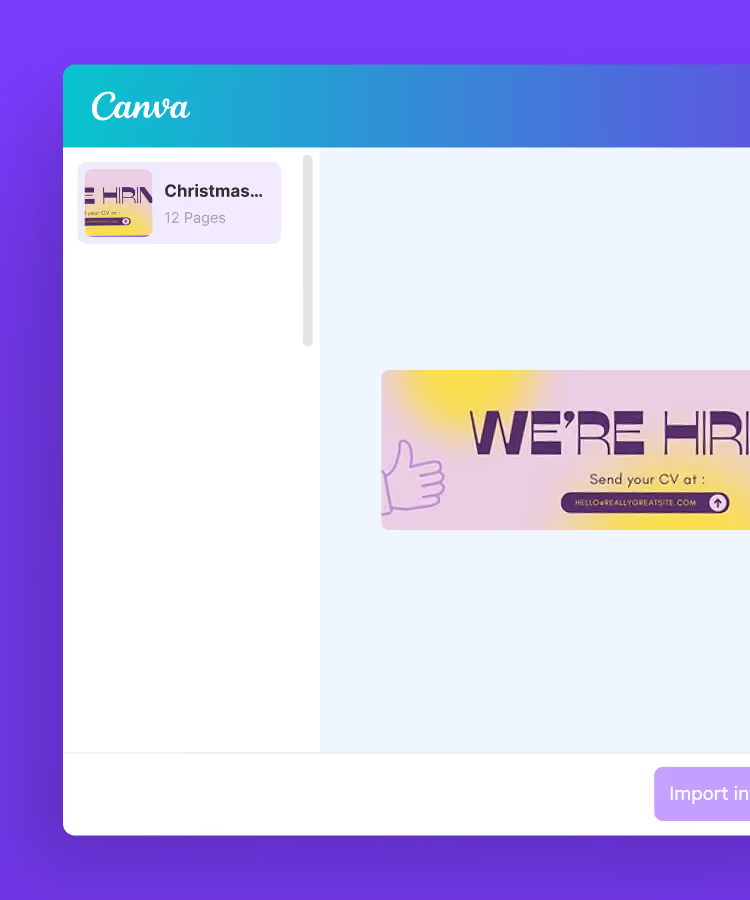
Import your banners from Canva
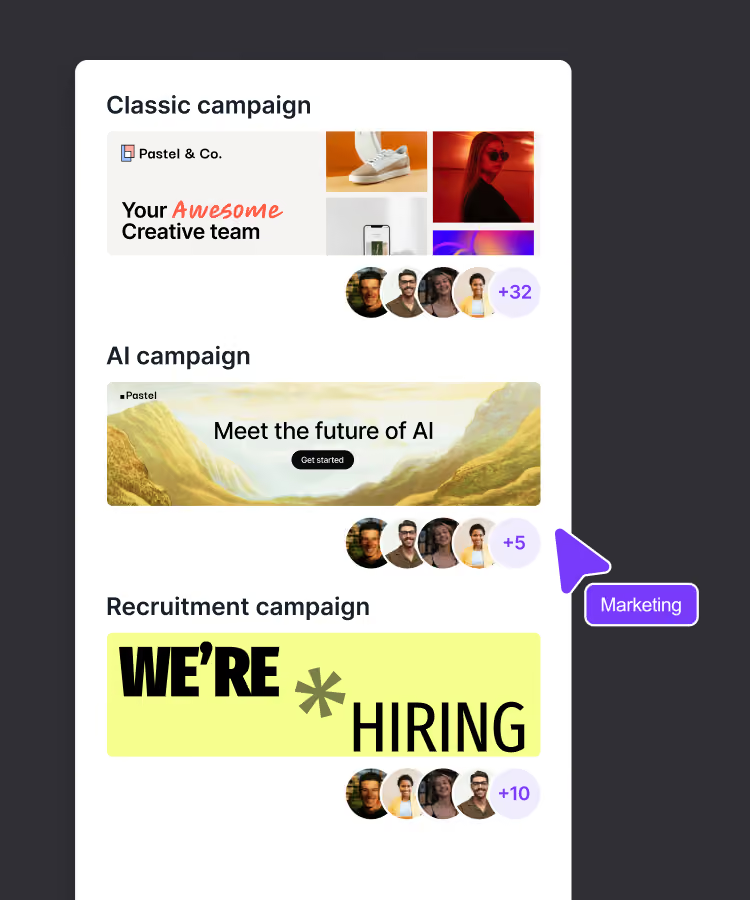
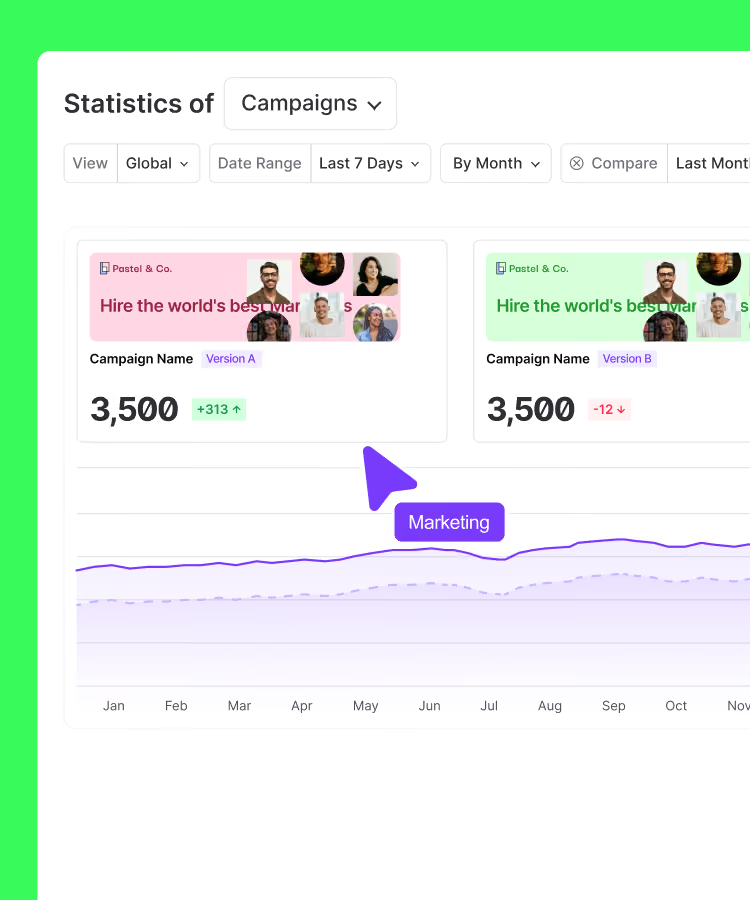
Test different versions of your banners
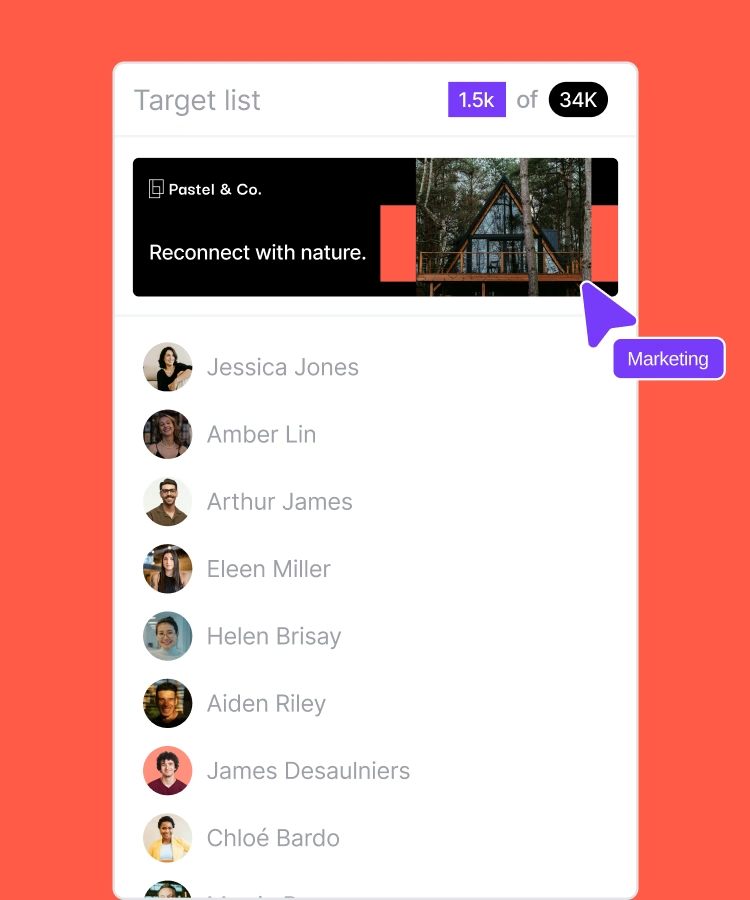
Target the right people

69003 Lyon
France



